如何使用 Proton VPN 设置 Vilfo 路由器
- 阅读
- 1 分钟
- 类别
- 路由器
将 Vilfo(新窗口) 路由器与 Proton VPN 配合使用有两种设置方法:
首次设置路由器时
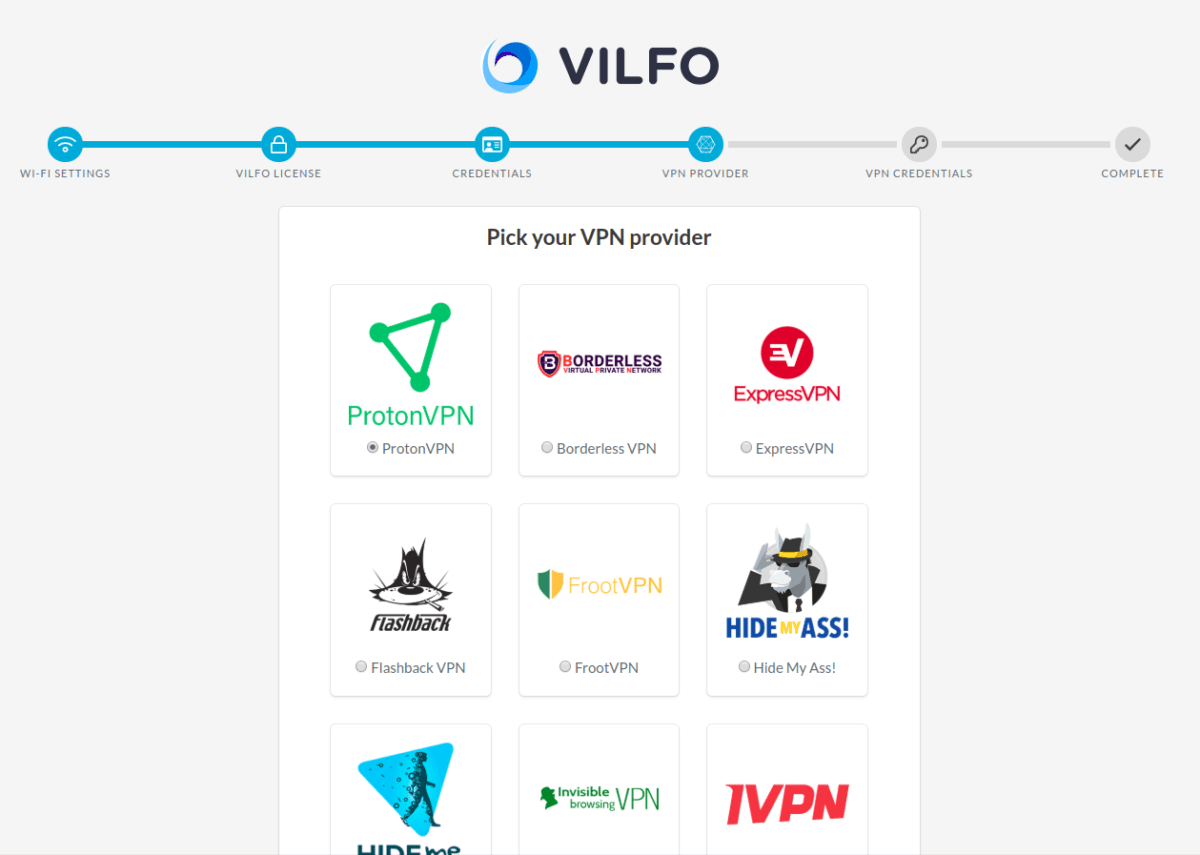
1. 在设置 Vilfo (新窗口)路由器的过程中,您会看到一个 VPN 提供商部分,可以在其中选择要在路由器上配置的 VPN 提供商。向下滚动,直到看到 Proton VPN 并选择它。
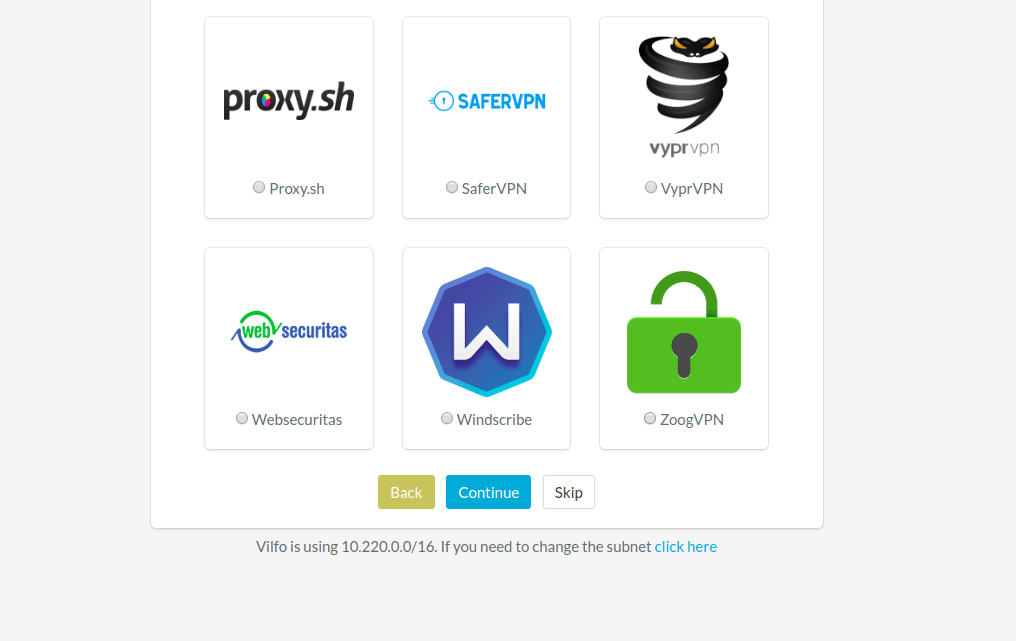
2. 向下滚动到页面底部,然后点击继续。
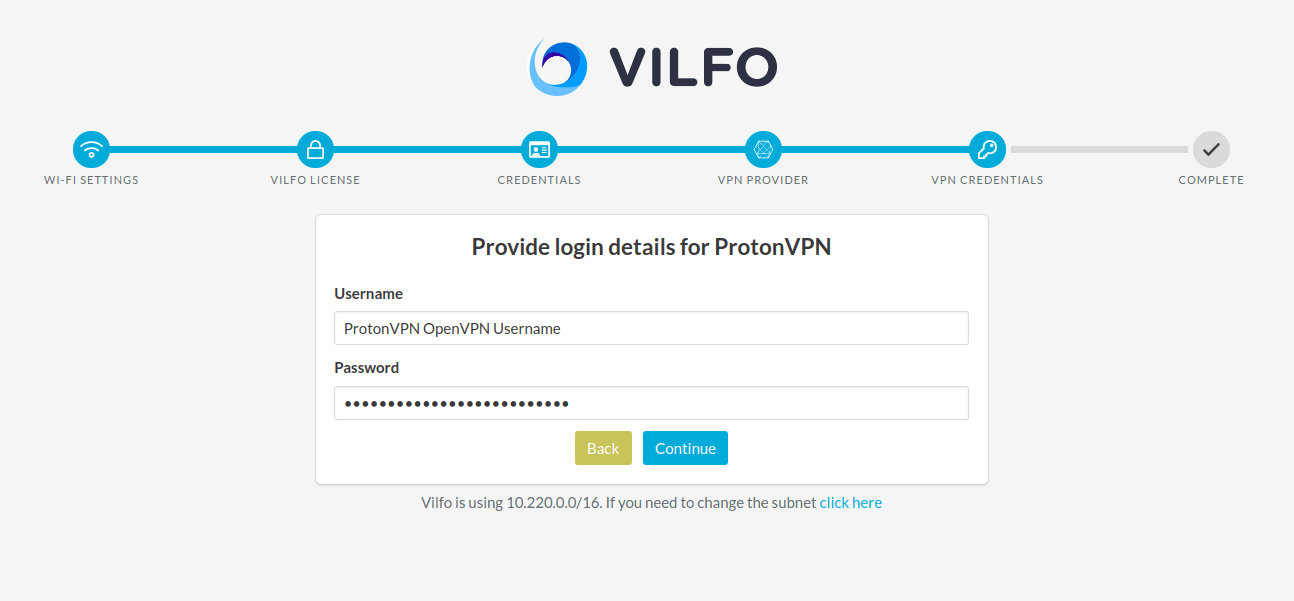
3. 输入您可以在帐户页面中找到的 OpenVPN 凭证,然后点击继续。
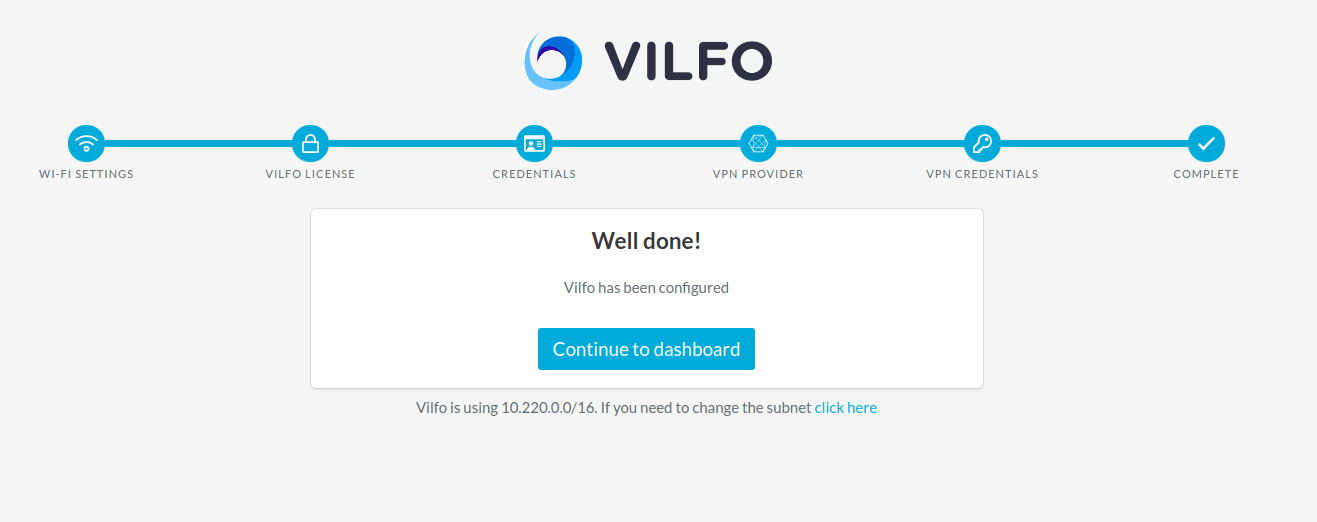
4. 点击继续前往仪表板。
路由器已设置完成时
如果您在 Vilfo(新窗口) 路由器的设置页面上跳过了 VPN 配置:
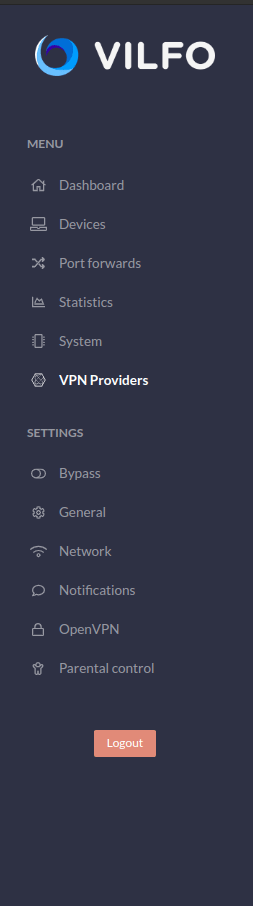
1. 前往您的仪表板菜单 → VPN 提供商标签页。
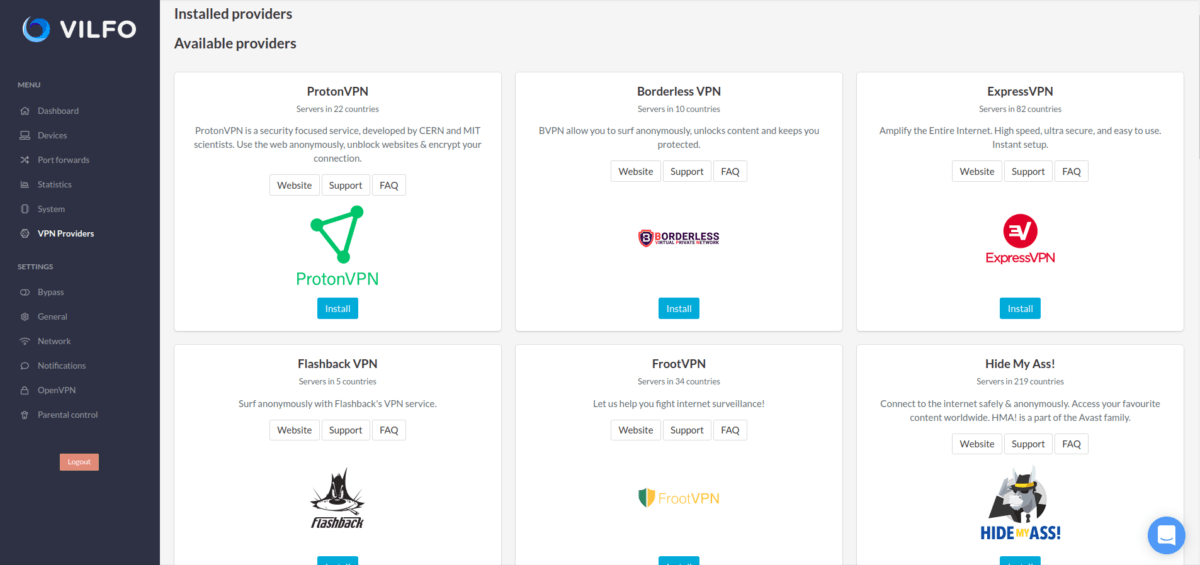
2. 在可用提供商列表中,找到 ProtonVPN,然后点击安装按钮。
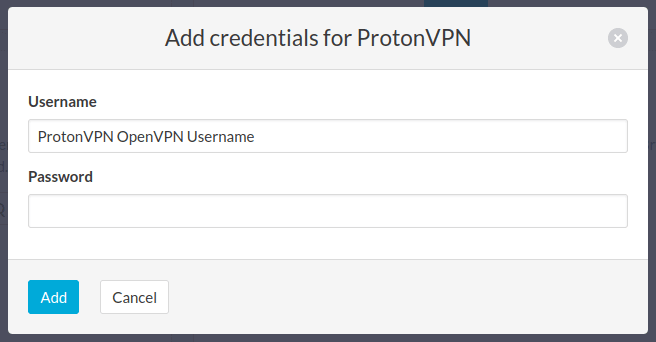
3. 输入您的 Proton VPN OpenVPN 凭证,然后点击添加。 您可以在 Proton VPN 帐户页面找到这些信息。
注意 1:您的 OpenVPN 用户名和密码与您常用的 Proton 帐户用户名和密码不同。
注意 2:要使用我们的 NetShield DNS 过滤功能,请在用户名后添加后缀 +f1 以屏蔽恶意软件,或添加后缀 +f2 以屏蔽恶意软件、广告和跟踪器(例如 123456789+f2)。
4. 添加凭证后,当 Proton VPN 收藏安装完成时,您应该会看到如下屏幕。
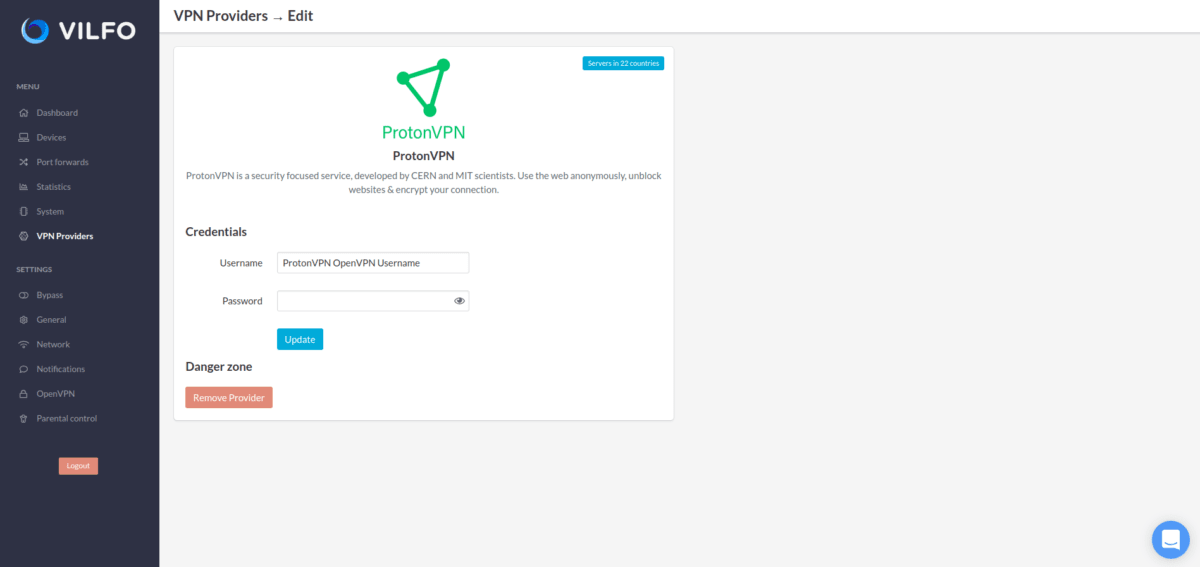
就是这样,路由器已可以配合 VPN 使用了!
如何将 Vilfo 路由器连接到 Proton VPN:
The first step is to go on to the Devices list and find all of your connected devices. Now by that group of devices you will find a Proton VPN name with a selection space, click on that space and you will be able to select the appropriate server for your current subscription plan. When you have selected the server, click on the Connect button on the right side of it.
This is what it will look like when you have successfully connected to the server.
Vilfo(新窗口) has a lot of great features, including split tunneling for different devices.You can create a new group for the devices that are connected to the router and then split them in to those groups.
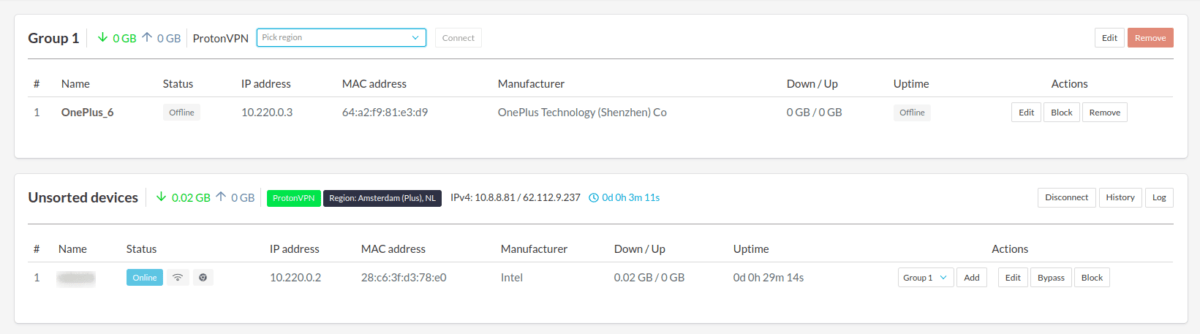
您还可以在不同的设备群组上同时运行多个不同的 VPN 隧道!
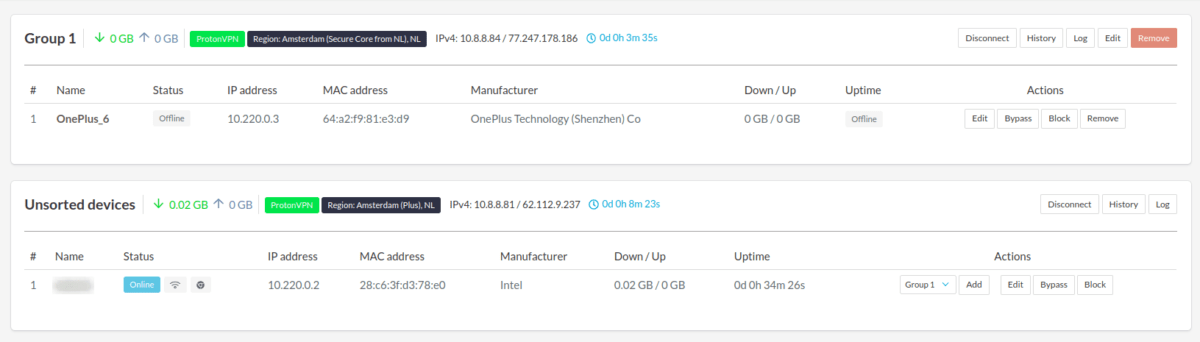
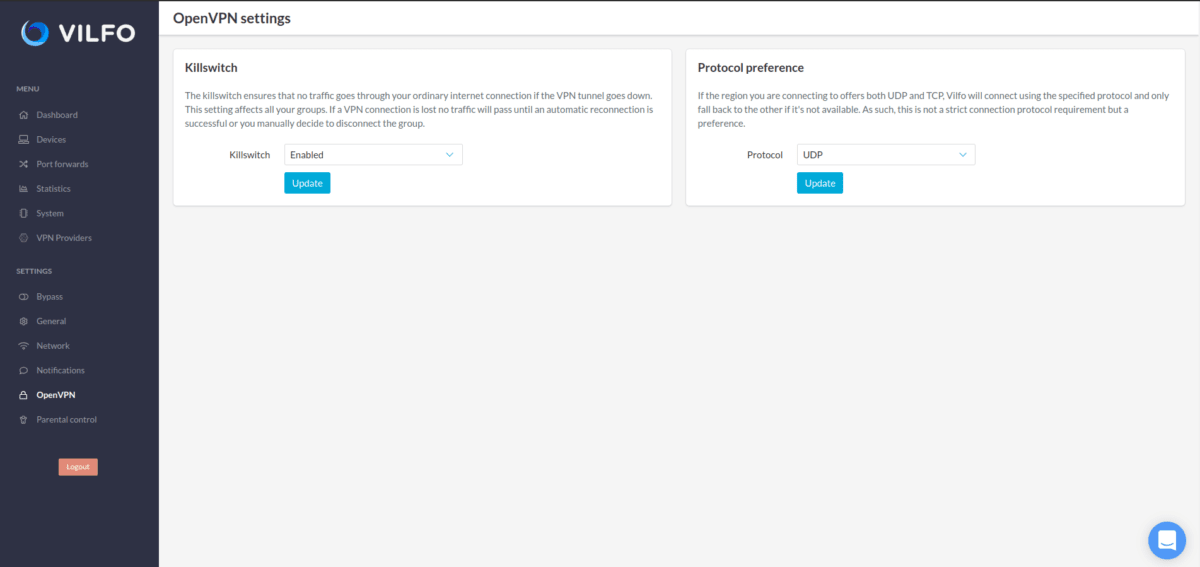
还有内置的终止开关,您可以在 OpenVPN 标签页中找到它,也可以在该处将协议首选项从 UDP 更改为 TCP。