


Stream your favorites with an Android TV VPN
Proton VPN for Android TV encrypts your connection, bringing fast, secure streaming to your Google TV and Android TV devices.
Keep your streaming and online activity private with a no-logs VPN
Install straight from the Google Play Store, no sideloading needed
No-risk 30-day money-back guarantee
Try it risk-free. Cancel anytime.
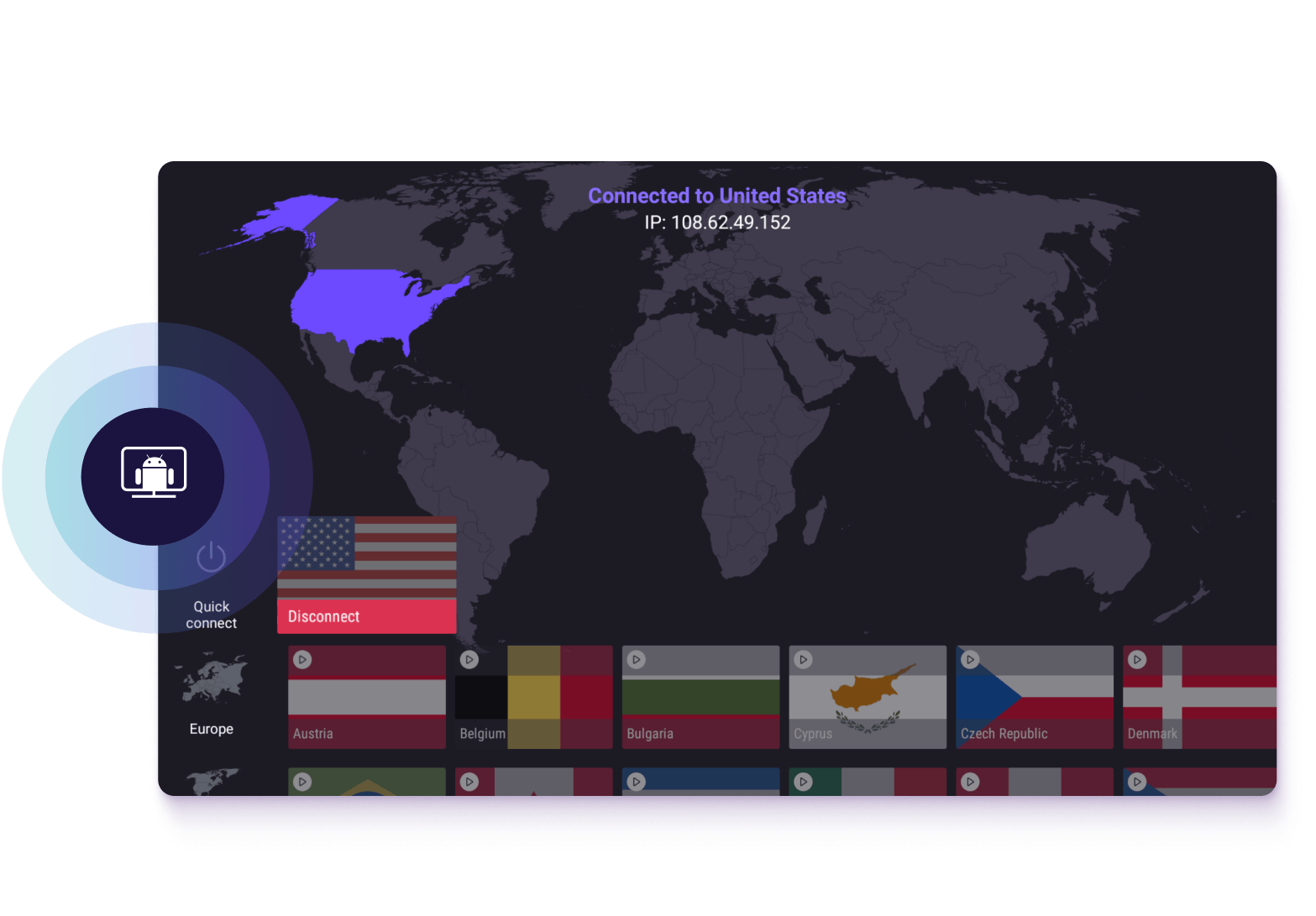
Why use Proton VPN for Android TV
Your Android TV shares the same network as your other devices, and the services you watch with it are just as visible to your internet service provider (ISP). Proton VPN protects it the same way as it does your phone or laptop, keeping your Android TV activity private.

Keep your streaming habits to yourself
Some ISPs use browsing and streaming data to build a profile of your household, which can be sold to advertisers or data brokers. Proton VPN encrypts your connection, so what you watch stays between you and your TV.
Stream with ultra-fast VPN speeds
Our VPN Accelerator boosts your VPN connection speeds by up to 400%, so a house full of streams, calls, and games doesn't slow you down.
Enjoy smooth streams at all times
If your ISP slows down your streaming connection, Proton VPN uses encryption to hide your activity, so you’re not targeted by that kind of content-based throttling.
Limit ads and block malware
NetShield blocks ads, trackers, and malicious sites at the network level, so your Android TV apps load faster and less of your viewing habits is handed to trackers.
30-day money-back guarantee
Try Proton VPN for Android TV risk-free. If you're not satisfied within 30 days, we'll refund your payment in full.

How to choose an Android TV VPN
Fast and stable connections
Choose a VPN that minimizes connection overhead. Proton VPN uses WireGuard, an advanced, lightweight VPN protocol that offers fast, stable connections.
Native app support
Sideloading APKs or routing through a phone is a workaround, not a solution. Choose a VPN with a dedicated Android TV app you can install.
Coverage for your other devices
Most households have multiple devices connected at the same time. Ensure your VPN supports multiple simultaneous connections — Proton VPN allows up to 10.
A verified no-logs policy
Any VPN can claim they don’t log your activity. Proton VPN’s strict no-logs policy is not a marketing gimmick — it's been independently audited.
How to install Proton VPN on your Android TV
Install the Proton VPN app
Download Proton VPN from the Google Play Store on your Android TV.
Connect and stream
Sign in, connect to a server, and start streaming.
Download Proton VPN for Android TV
Create a Proton VPN account to stream securely and privately on your Android TV, and on every other device in your home.
Try risk-free with a 30-day money-back guarantee.
Frequently asked questions
- Does Proton VPN work on my Android TV device?
- How do I sign in to Proton VPN on my Android TV device?
- Is there a free VPN for Android TV?
- How does a VPN work with Android TV?
- How do I troubleshoot Proton VPN on Android TV?
- Where do I enter my 8-digit sign-in code?
- What devices can I download Proton VPN on?
- Is it illegal to use a VPN for streaming?
- What else can I stream using Proton VPN?