


Phát trực tuyến nội dung yêu thích với VPN cho Android TV
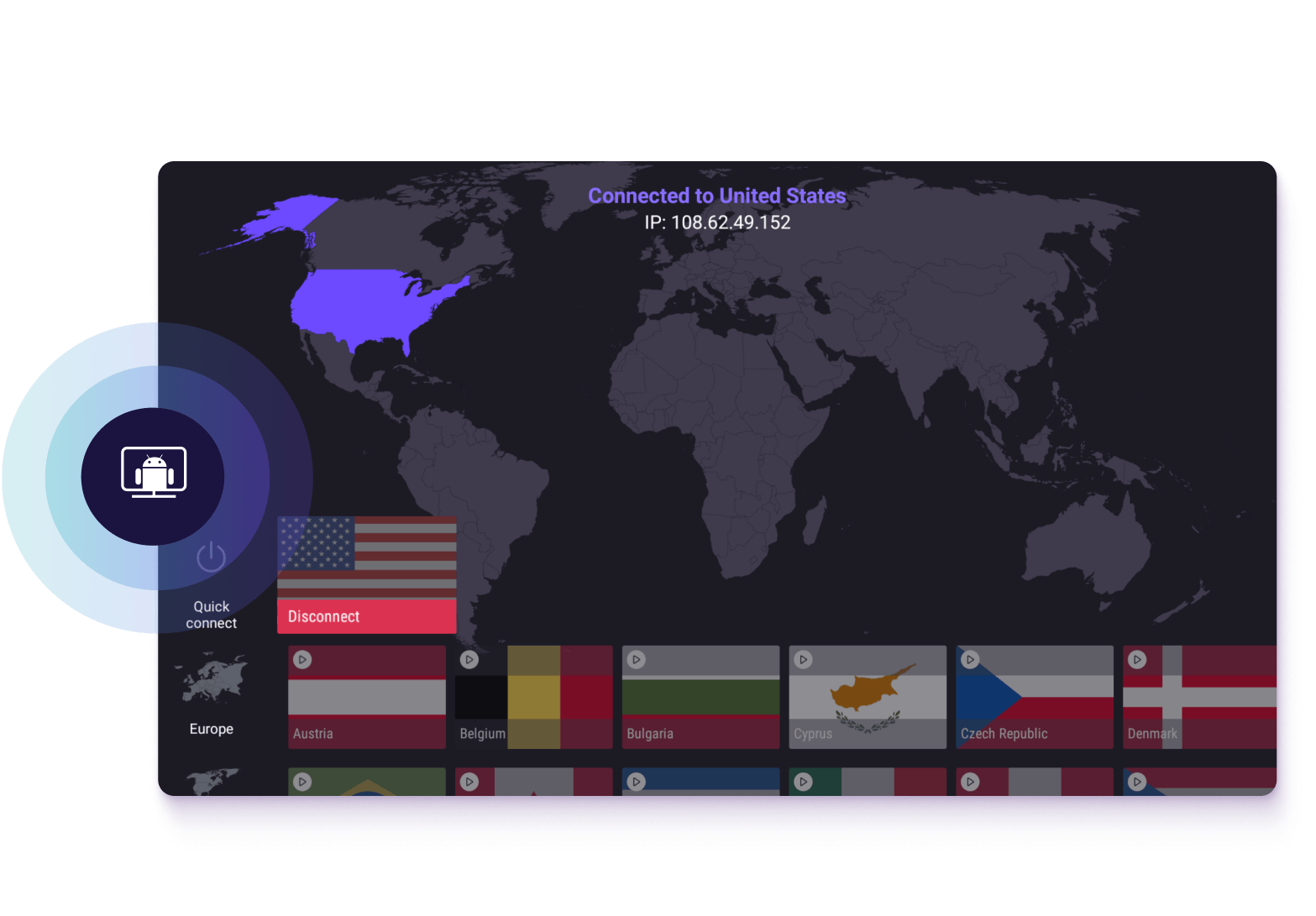
Proton VPN cho Android TV mã hóa kết nối, mang lại trải nghiệm phát trực tuyến nhanh chóng, bảo mật cho các thiết bị Google TV và Android TV.
Giữ hoạt động trực tuyến và phát trực tuyến riêng tư với VPN không ghi nhật ký
Cài đặt trực tiếp từ Google Play Store, không cần sideload
Cam kết hoàn tiền trong 30 ngày không rủi ro
Dùng thử không rủi ro. Hủy bất kỳ lúc nào.
Tại sao nên dùng Proton VPN cho Android TV
Android TV dùng chung mạng với các thiết bị khác, và các dịch vụ xem trên đó cũng hiển thị rõ với nhà cung cấp dịch vụ internet (ISP). Proton VPN bảo vệ thiết bị này tương tự như điện thoại hoặc máy tính xách tay, giữ cho hoạt động trên Android TV luôn riêng tư.

Giữ kín thói quen phát trực tuyến
Một số ISP sử dụng dữ liệu duyệt web và phát trực tuyến để xây dựng hồ sơ hộ gia đình, sau đó có thể bán cho nhà quảng cáo hoặc bên môi giới dữ liệu. Proton VPN mã hóa kết nối, để những gì đang xem chỉ là chuyện riêng giữa bạn và TV.
Phát trực tuyến với tốc độ VPN siêu nhanh
VPN Accelerator tăng tốc độ kết nối VPN lên tới 400%, giúp việc phát trực tuyến, gọi điện và chơi game cùng lúc trong nhà không bị chậm lại.
Tận hưởng phát trực tuyến mượt mà mọi lúc
Nếu ISP làm chậm kết nối phát trực tuyến, Proton VPN sử dụng mã hóa để ẩn hoạt động, giúp tránh bị bóp băng thông dựa trên nội dung.
Hạn chế quảng cáo và chặn phần mềm độc hại
NetShield chặn quảng cáo, trình theo dõi và các trang web độc hại ở cấp độ mạng, giúp các ứng dụng Android TV tải nhanh hơn và hạn chế việc thói quen xem bị chuyển giao cho trình theo dõi.
Cam kết hoàn tiền trong 30 ngày
Dùng thử Proton VPN cho Android TV không rủi ro. Nếu bạn không hài lòng trong vòng 30 ngày, chúng tôi sẽ hoàn tiền đầy đủ.

Cách chọn VPN cho Android TV
Kết nối nhanh và ổn định
Chọn VPN giúp giảm thiểu mức hao phí kết nối. Proton VPN sử dụng WireGuard, một giao thức VPN tiên tiến, gọn nhẹ mang lại kết nối nhanh và ổn định.
Hỗ trợ ứng dụng gốc
Cài đặt file APK ngoài hoặc định tuyến qua điện thoại chỉ là giải pháp tạm thời, không phải là giải pháp lâu dài. Chọn một VPN có ứng dụng Android TV chuyên dụng để cài đặt.
Phạm vi bảo vệ cho các thiết bị khác
Hầu hết các hộ gia đình đều có nhiều thiết bị kết nối cùng lúc. Đảm bảo VPN hỗ trợ nhiều kết nối đồng thời — Proton VPN cho phép lên tới 10 kết nối.
Chính sách không ghi nhật ký đã được xác minh
Bất kỳ VPN nào cũng có thể tuyên bố không ghi nhật ký hoạt động. Chính sách không ghi nhật ký nghiêm ngặt của Proton VPN không phải là chiêu trò tiếp thị — chính sách này đã được kiểm toán độc lập.
Cách cài đặt Proton VPN trên Android TV
Cài đặt ứng dụng Proton VPN
Tải xuống Proton VPN từ Google Play Store trên Android TV.
Kết nối và phát trực tuyến
Đăng nhập, kết nối với máy chủ và bắt đầu phát trực tuyến.
Tải xuống Proton VPN cho Android TV
Tạo tài khoản Proton VPN để phát trực tuyến an toàn và riêng tư trên Android TV cũng như trên mọi thiết bị khác trong nhà.
Có bản dùng thử miễn phí. Hủy bất kỳ lúc nào trong thời hạn 30 ngày.
Câu hỏi thường gặp
- Proton VPN có hoạt động trên thiết bị Android TV không?
- Làm thế nào để đăng nhập vào Proton VPN trên thiết bị Android TV?
- Có VPN miễn phí cho Android TV không?
- VPN hoạt động với Android TV như thế nào?
- Làm cách nào để xử lý sự cố Proton VPN trên Android TV?
- Nhập mã đăng nhập gồm 8 chữ số ở đâu?
- Có thể tải xuống Proton VPN trên những thiết bị nào?
- Sử dụng VPN để phát trực tuyến có vi phạm pháp luật không?
- Có thể phát trực tuyến gì khác bằng Proton VPN?