


Free VPN for Linux
Get Proton VPN for Linux — a free, open-source VPN with no limits and no privacy-invading ads
Unlimited free VPN
Private by design
Open source and independently audited
Easy-to-use app with graphical interface
And a CLI to connect directly from the terminal


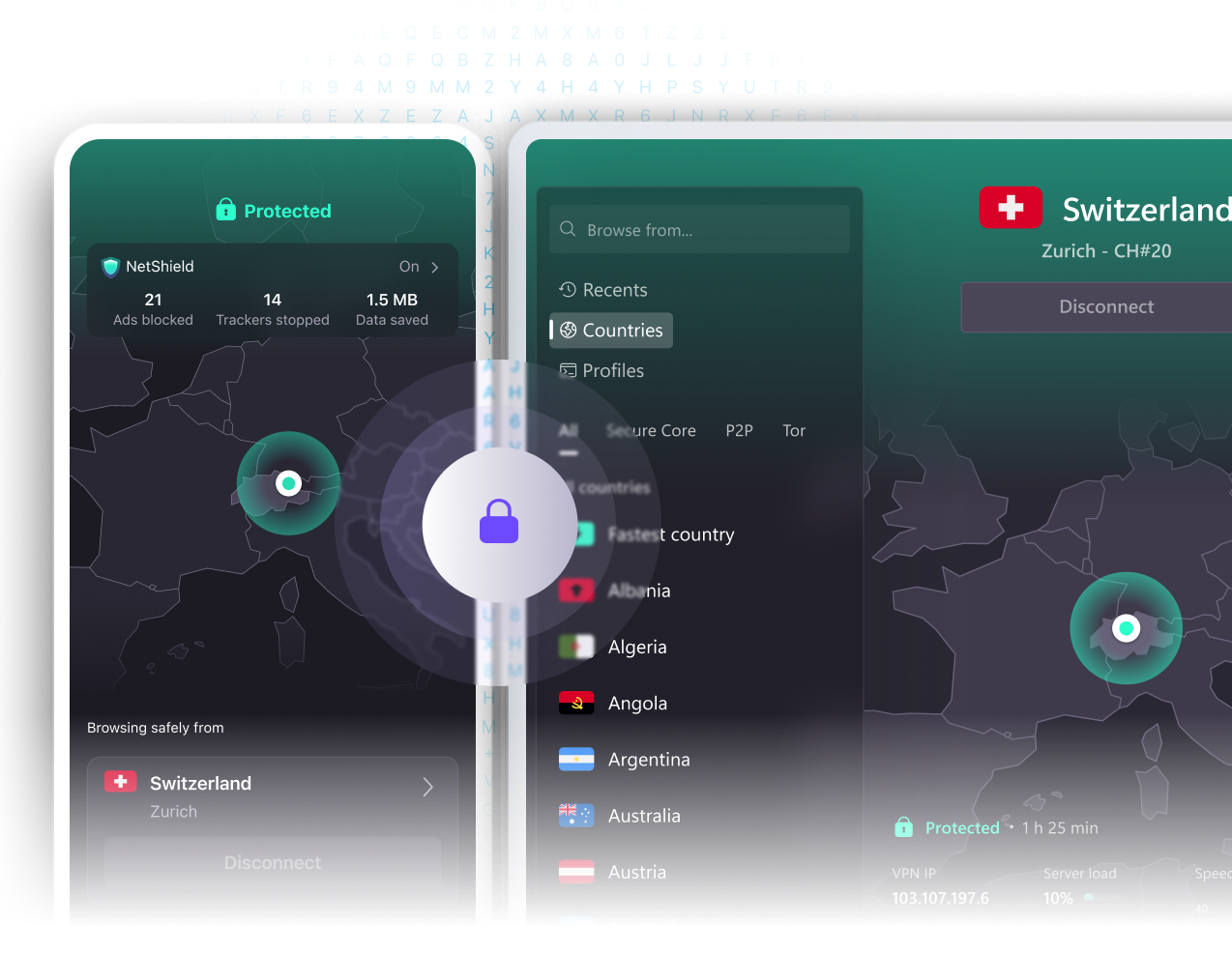
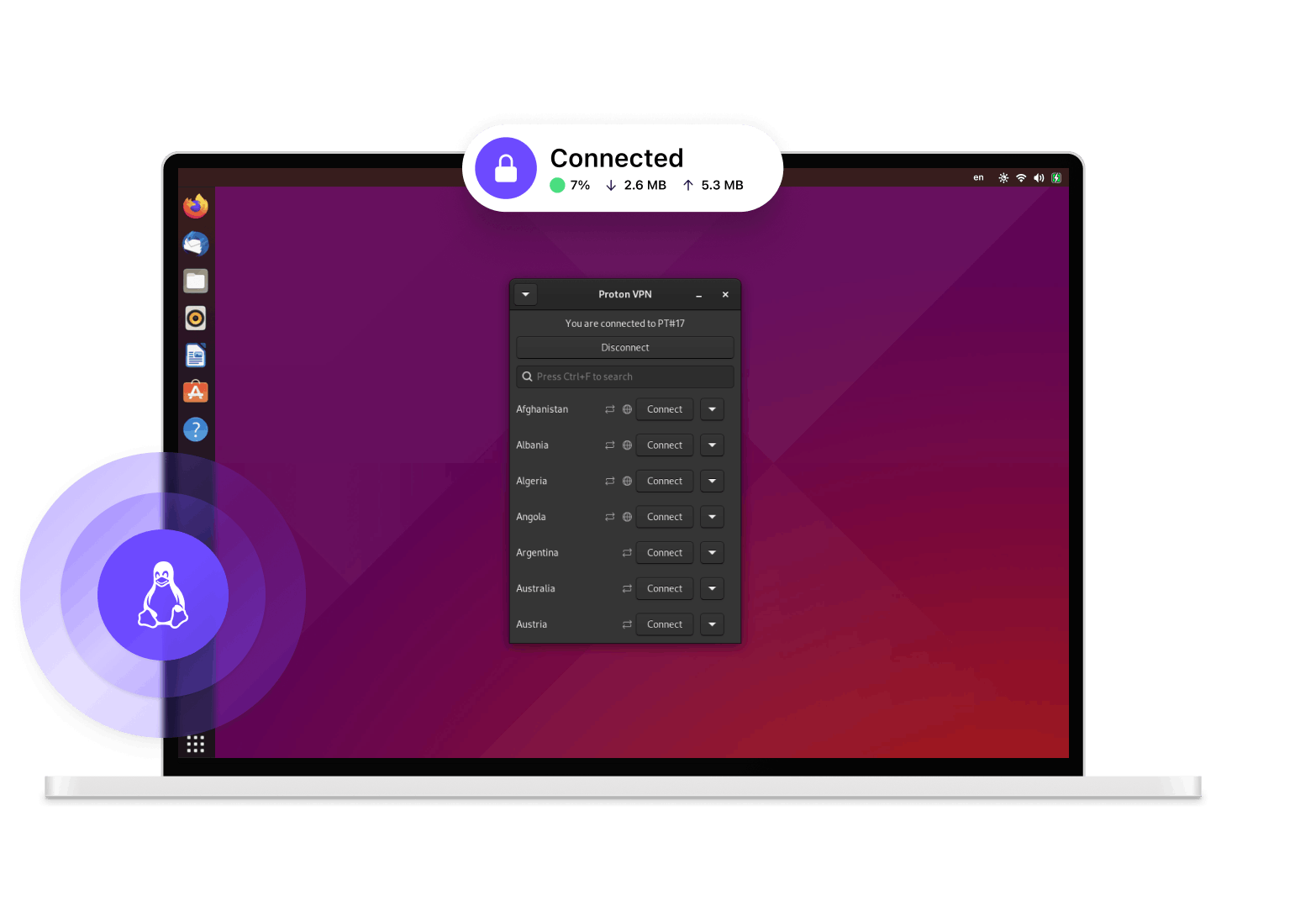
How to connect to Proton VPN on Linux

Install Proton VPN
Install the free Proton VPN for Linux app

Get connected
Log in to your account and click Quick Connect

Safe unlimited VPN for Linux
Proton VPN is a free and unlimited VPN for Linux from the team that created Proton Mail, the world’s most popular encrypted email service.
Strict no-logs VPN
Based in Switzerland, Proton VPN has a strict no-logs policy. We keep no record of what you do online, so we have no data to share with third parties.
Defeat censorship
Open-source VPN app
An open-source Linux VPN you can trust
Free forever with no ads

No speed or bandwidth limits

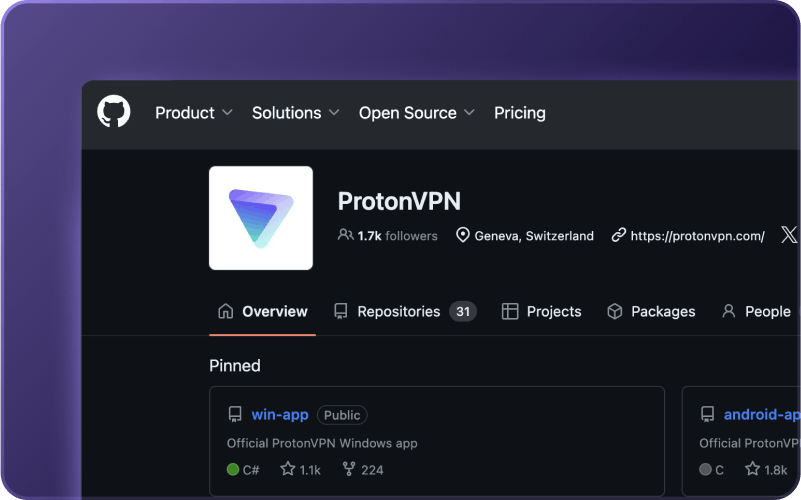
Code available on GitHub
Stay safe online with Proton VPN for Linux
Easy to use
Intuitive graphical user interface with a one-click Quick Connect button. Easy to install from DEB or RPM packages, built-in package managers, or using a CLI.
Popular distro support
The Proton VPN app officially supports Debian, Ubuntu, and Fedora. It should work on many other distributions (especially Debian and Ubuntu-based ones), but we can't guarantee support for these.
Strong encryption
Proton VPN for Linux utilizes the strongest OpenVPN encryption settings.
Kill Switch
Our kill switch blocks your internet connection if your VPN connection is disrupted, keeping your IP address secure.
DNS leak protection
Proton VPN routes your DNS queries through the VPN tunnel, so your internet service provider cannot monitor your online activity.
Trusted VPN
Journalists, activists, and ordinary citizens worldwide trust Proton VPN to stay safe and defeat censorship.
Get more with Proton VPN Plus
Proton VPN Plus gives you access to even faster speeds, advanced security features, and exclusive Plus VPN servers.
Choose from 20,000+ servers in 140+ countries
Worldwide streaming
10 Gbps servers
NetShield Ad-blocker
BitTorrent support
Secure Core VPN

Frequently asked questions
- What Linux distros does Proton VPN support?
- Which servers can I connect to for free?
- What is the difference between a kill switch and a permanent kill switch?
- Is there a command-line version tool?