


How to watch Netflix with Proton VPN
- Reading
- 4 mins
- Category
- Streaming guides
Originally launched as a DVD-by-mail rental service, Netflix introduced online streaming in 2007 and with over 325 million users has since grown into the world’s largest streaming platform. It offers a library of tens of thousands of movies, TV series, documentaries, stand-up specials, and mobile games, spanning multiple subscription tiers from an ad-supported standard plan to a premium 4K plan.
Netflix Originals include popular titles such as Stranger Things, Squid Game, The Crown, Bridgerton, and 3 Body Problem, and Netflix has also expanded into live events and sports, with exclusive coverage including NFL Christmas games, WWE Raw, and selected MLB fixtures.
Netflix is available in over 190 countries worldwide, but the content available to you varies by region. This article will explain how you can use Proton VPN to watch Netflix safely and securely with Proton VPN:

You can use Proton VPN to watch other popular streaming services as well, including Netflix, Disney+, and Apple TV+. Use our streaming hub to find all the services we support.
To use streaming services via Proton VPN, you’ll need a paid Proton VPN plan. If you already have a Proton VPN Free plan, you can upgrade your account by logging in and selecting Plus (or another paid plan) from your account dashboard.
If you don’t have a Proton VPN account, you can sign up for a Plus plan.
How to watch Netflix with Proton VPN on your desktop or laptop
1. If you haven’t already, you’ll need to download and install Proton VPN for your device.
2. Sign in to Proton VPN and connect to a server in your home country.
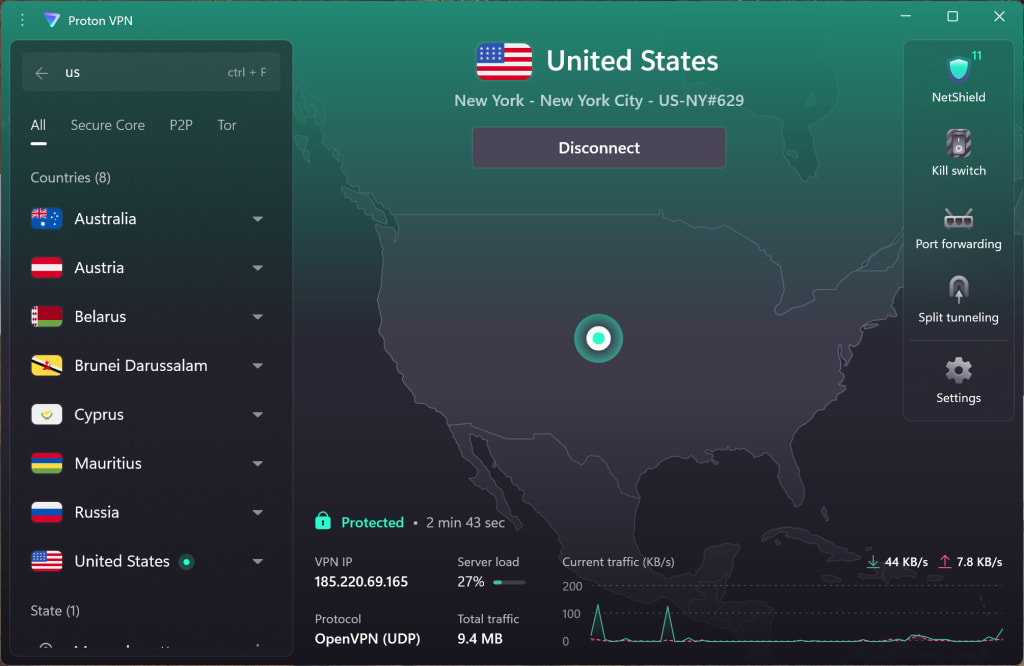
3. A Netflix app is for Windows (through the Microsoft Store), or you can visit the Netflix website at www.netflix.com(new window). Sign in with your Netflix account and start watching your favorite shows, movies, and sports securely with Proton VPN.
How to watch Netflix with Proton VPN on your mobile device
1. If you haven’t already, you’ll need to download and install Proton VPN for your device.
2. Sign in to Proton VPN and connect to any server located in your home country.
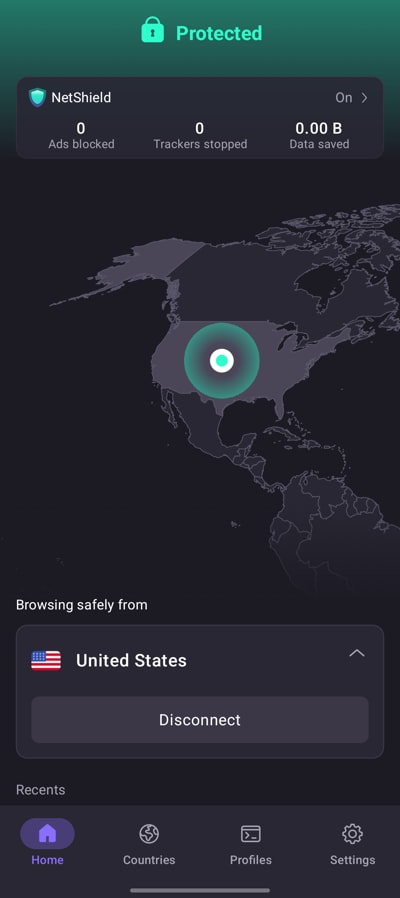
3. Download the Netflix app for Android(new window), iOS or iPadOS(new window). Sign in with your Netflix account and start watching your favorite shows, movies, and sports securely with Proton VPN.
How to watch Netflix with Proton VPN on your smart TV
Netflix apps are available for Android TV, Amazon Fire TV (“firestick”), and Apple TV.
1. Download Proton VPN for:
2. Sign in to Proton VPN and connect to a server in your home country.
3. Install the Netflix app on your Android TV, Fire TV, or Apple TV device. Sign in with your Netflix account and start watching your favorite shows, movies, and sports securely with Proton VPN.
Troubleshooting Netflix streaming problems
If Netflix doesn’t work after following the above steps, try the following troubleshooting options:
- Restart the Proton VPN app and start a new VPN connection.
- If you are accessing Netflix via your browser, try clearing your browser cache(new window).
- Restart your device.
- Clear your DNS cache (Windows, Mac, or Linux).
If none of these options work, please check out our Streaming troubleshooting guide or contact our Support team.