


How to watch Fox One with Proton VPN
- Reading
- 4 mins
- Category
- Streaming guides
Fox One is a streaming service from Fox Corporation that provides live and on-demand access to Fox television content, including news, sports, entertainment shows, and movies in the United States.
Launched as a cord-cutter alternative to traditional cable subscriptions, Fox One streams all 104 matches of the 2026 World Cup, MLB games, NASCAR and NFL broadcasts alongside popular Fox programming such as The Simpsons, Family Guy, 9-1-1, The Masked Singer, and reality competitions like MasterChef and Fear Factor: House of Fear.
To stream Fox One, you can sign in via your TV provider credentials or subscribe directly to its online service. In this guide, we look at how to watch Fox One with Proton VPN on:

You can use Proton VPN to watch other popular streaming services as well, including Netflix, Disney+, and Apple TV+. Use our streaming hub to find all the services we support.
To use streaming services via Proton VPN, you’ll need a paid Proton VPN plan. If you already have a Proton VPN Free plan, you can upgrade your account by logging in and selecting Plus (or another paid plan) from your account dashboard.
If you don’t have a Proton VPN account, you can sign up for a Plus plan.
How to watch Fox One with Proton VPN on your desktop or laptop
1. If you haven’t already, you’ll need to download and install Proton VPN for your device.
2. Sign in to Proton VPN and connect to a server in the United States.
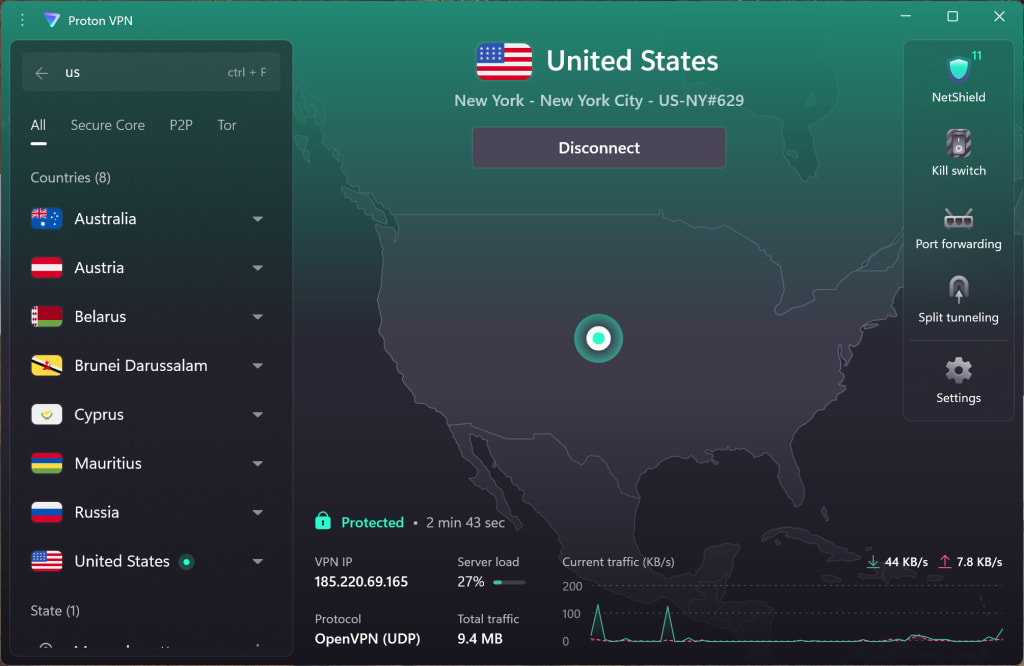
3. Visit the Fox website at www.fox.com(new window).
4. Sign in with your TV provider or Fox One account and start watching your favorite shows, movies, and sports securely with Proton VPN.
How to watch Fox One with Proton VPN on your mobile device
The Fox One: Live News, Sports, TV apps are the home for everything Fox. They are available for Android(new window), iOS and iPadOS(new window), although you may need to download them before leaving the US.
1. If you haven’t already, you’ll need to download and install Proton VPN for your device.
2. Sign in to Proton VPN and connect to any server located in the United States.
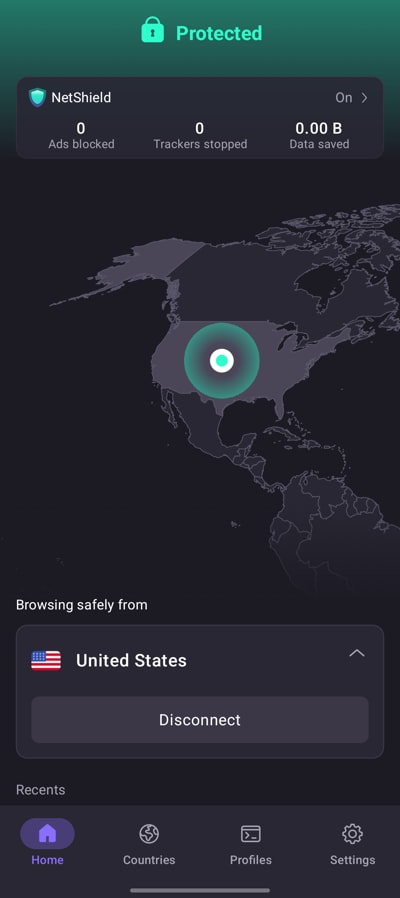
3. Sign in with your TV provider or Fox One account and start watching your favorite shows, movies, and sports securely with Proton VPN.
How to watch Fox One with Proton VPN on your smart TV
Fox One apps are available for Android TV, Android-based Amazon Fire TV (“firestick”), and Apple TV.
1. Download Proton VPN for:
2. Sign in to Proton VPN and connect to a server in the United States.
3. Install the Fox One app on your Android TV, Fire TV, or Apple TV device. Sign in with your TV provider or Fox One account and start watching your favorite shows, movies, and sports securely with Proton VPN.
Troubleshooting Fox One streaming problems
If Fox One doesn’t work after following the above steps, try the following troubleshooting options:
- Restart the Proton VPN app and start a new VPN connection.
- If you are accessing Fox One via your browser, try clearing your browser cache.
- Restart your device.
- Clear your DNS cache (Windows, Mac, or Linux).
If none of these options work, please check out our Streaming troubleshooting guide or contact our Support team.