


Free VPN for iPhone and iPad
Defeat censorship and protect yourself online with our free, easy-to-use apps for iPhone (iOS) and iPad (iPadOS)
Free forever with no ads
No bandwidth or speed restrictions
Strict no-logs policy
Open source and audited
Protected by Swiss privacy laws


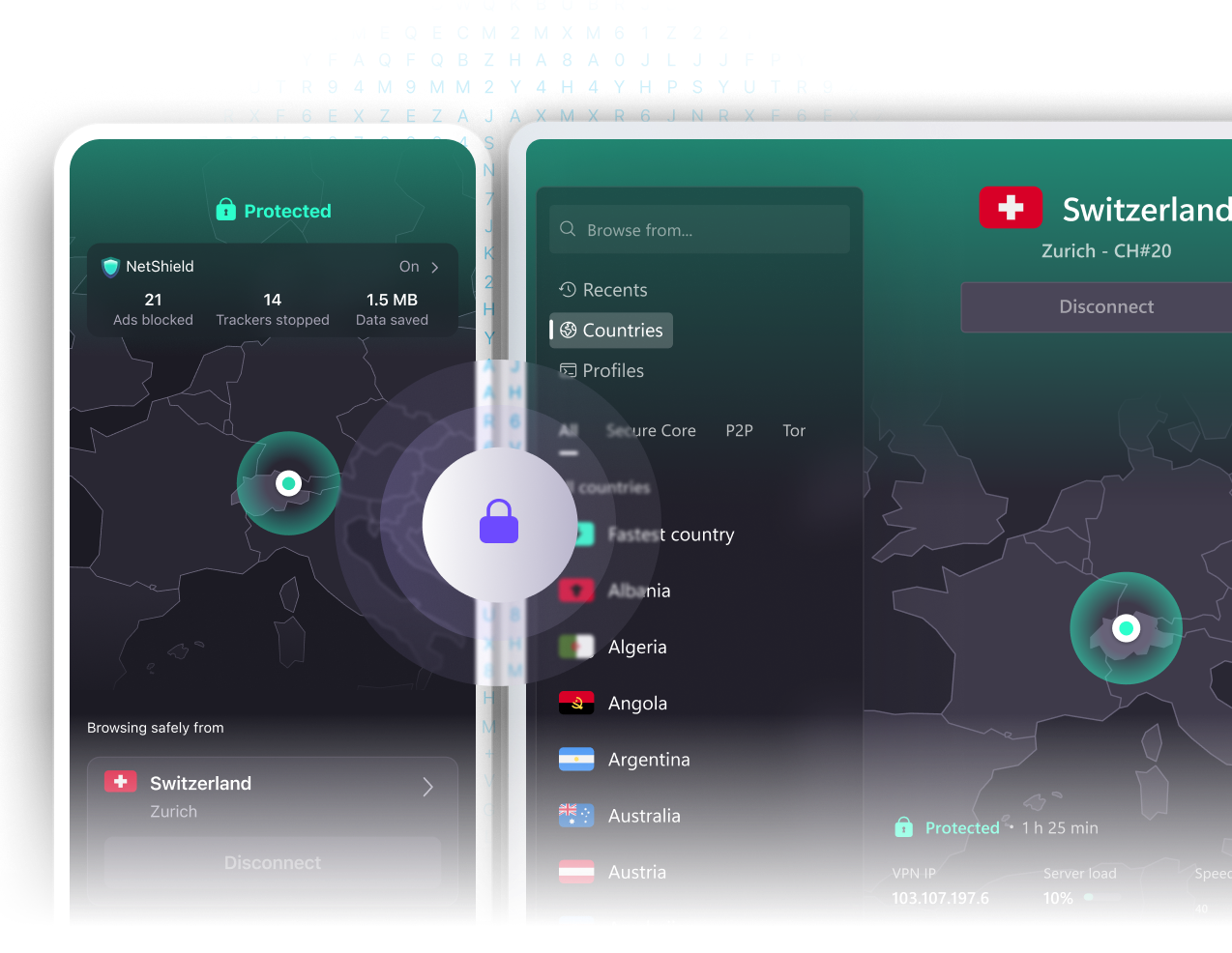

How to connect to Proton VPN on iPhone (iOS) and iPad (iPadOS)
Sign up
To start using Proton VPN on iPhone and iPad, sign up for free or buy a paid Proton VPN Plus account.

Download Proton VPN and log in
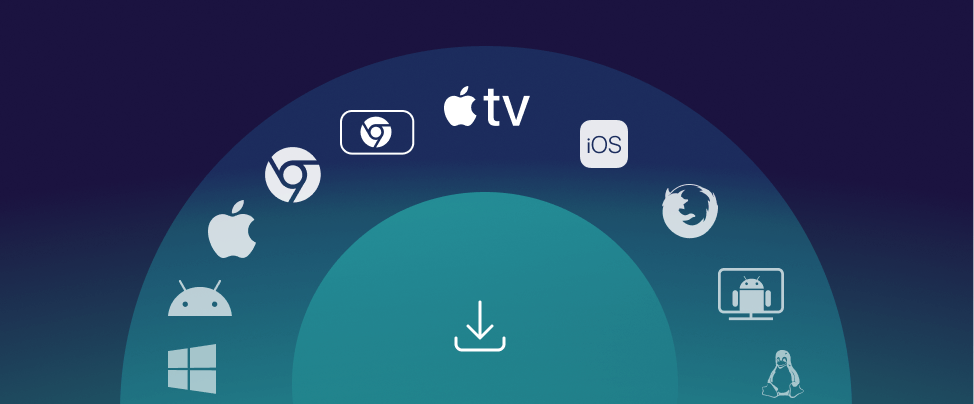
- Download from the App Store(new window) the Proton VPN app and install it on your iPhone or iPad
- Once the application is installed on your iPhone or iPad device, run it and log in with your Proton VPN username and password.
Connect to a server
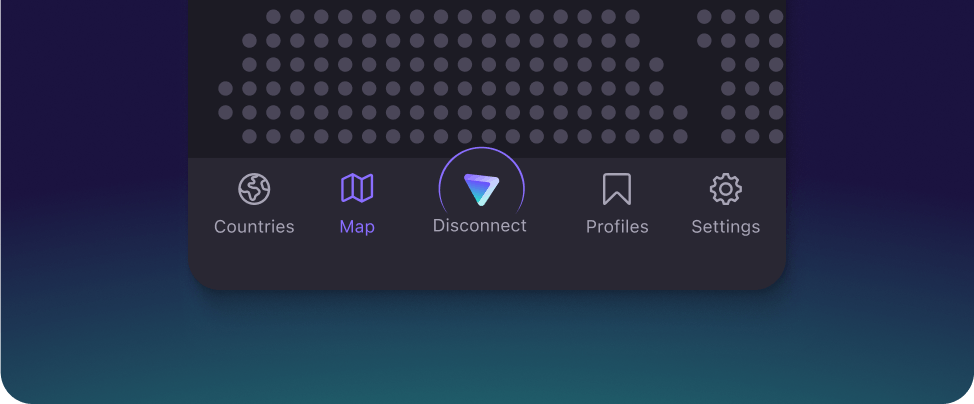
You can automatically connect to the fastest VPN server for your location or choose to connect to any specific server that is available on your plan.
You can check your IP address whenever you're connected to find your VPN server's address.
Download our secure, free app for your iPhone or iPad
Proton VPN for iPhone (iOS) and iPad (iPadOS) lets you browse privately and defeat internet censorship.
No-logs VPN
Based in Switzerland, Proton VPN has a strict no-logs policy and collects no data that might compromise your privacy.
Unlimited VPN
Open-source VPN
Get a free, open-source VPN
Secure your iPhone or iPad with Proton VPN
Get more with Proton VPN Plus
Upgrade to Proton VPN Plus for even faster speeds, advanced security features, and access to our 20,000 exclusive Plus servers.
Choose from 20,000+ servers in 140+ countries
High-speed worldwide streaming
NetShield Ad-blocker
Protect 10 devices at once
Tor over VPN
BitTorrent support

Frequently asked questions
- Do I need a VPN on my iPhone or iPad?
- Why is Proton VPN the best free VPN app for iPhone (iOS) or iPad (iPadOS)?
- How do I use Proton VPN on my iPhone or iPad?
- How do I know Proton VPN can be trusted?
- Which countries can I connect to for free?