


Free, unlimited VPN for Chrome OS
Protect your privacy with Proton VPN — the only free VPN for Chromebooks with no ads, logs, or speed limits
Stay private online
Bypass government censorship
Use public WiFi safely
Protect your data with Swiss privacy laws
Strict no-logs policy


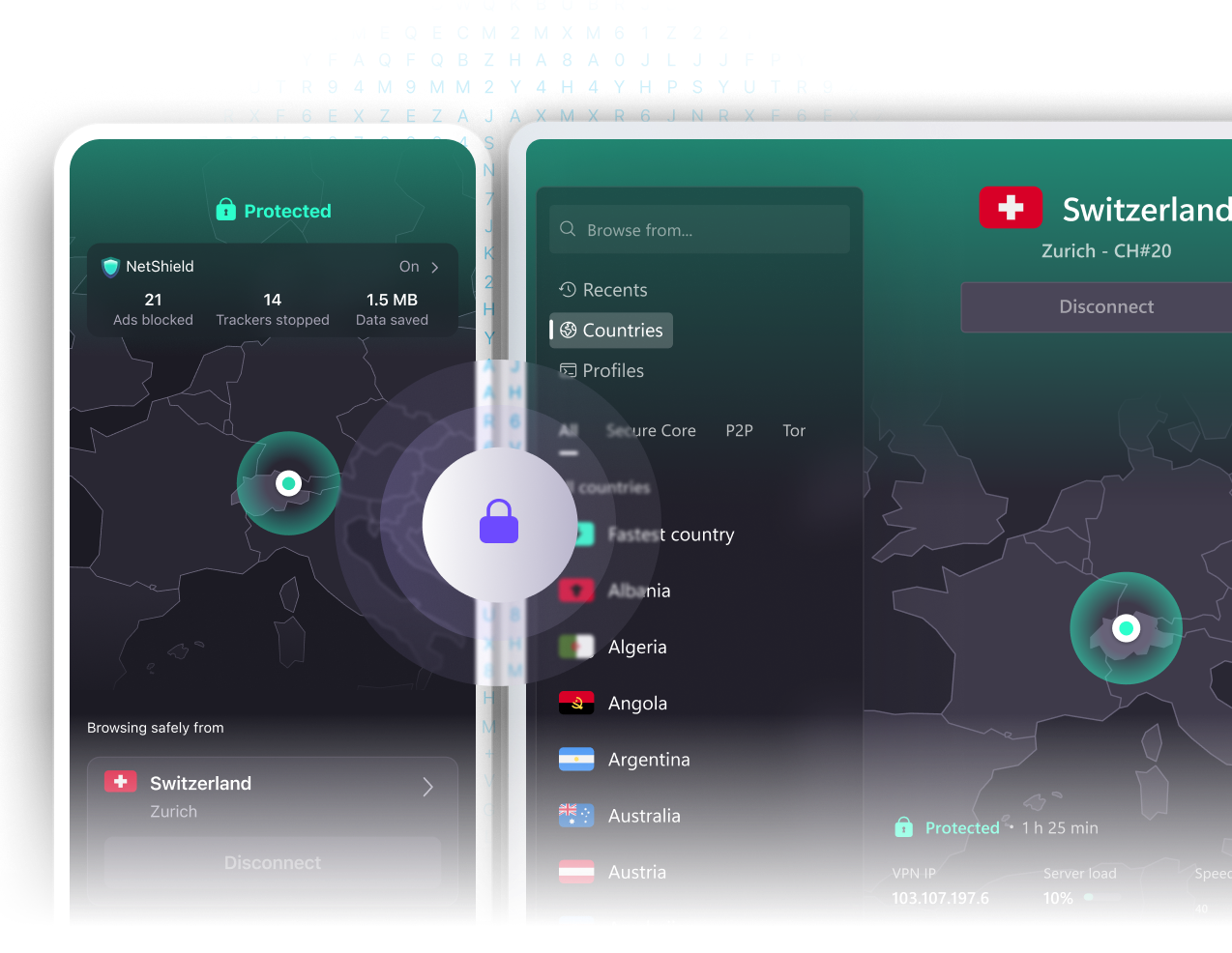

How to connect to Proton VPN on your Chromebook
Sign up
To start using Proton VPN on Chromebook, sign up for free or buy a paid Proton VPN Plus account.

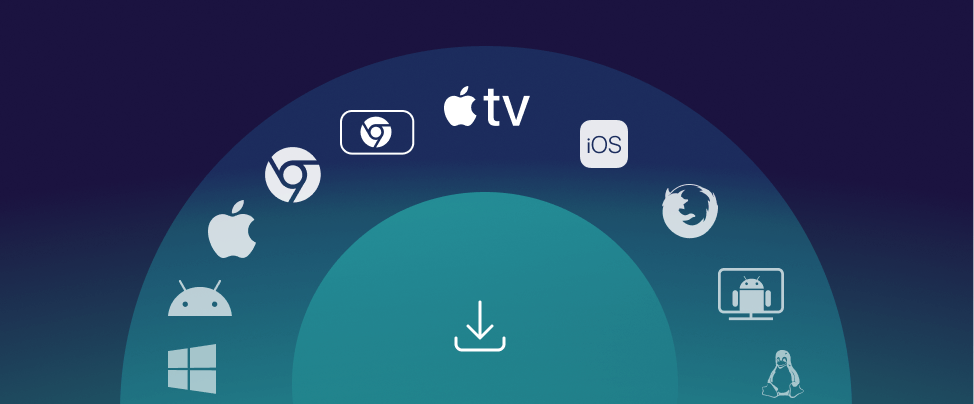
Download Proton VPN and log in
With a Chromebook that supports Android apps and has the Chrome Web Store installed, navigate with the Chrome browser to the Proton VPN download page in the Chrome Web Store app.
Once the app is installed on your Chromebook device, run it and log in with your Proton VPN username and password.
Connect to a server
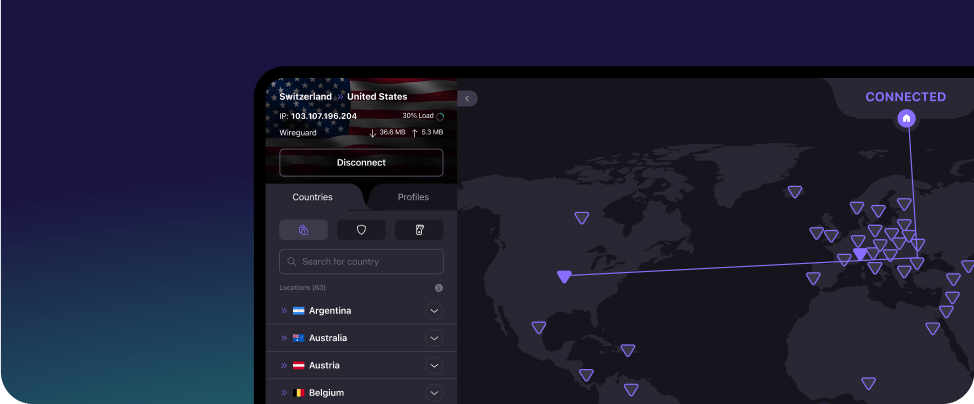
You can automatically connect to the fastest VPN server for your location or choose to connect to any specific server that is available on your plan.
You can check your IP address whenever you're connected to find your VPN server's address.
Download our safe, unlimited VPN for Chromebooks (Chrome OS)
Proton VPN is free, open source, and trusted by activists and journalists around the world. Get Proton VPN to browse privately and bypass internet censorship.
Private and secure VPN
Proton VPN is the only VPN for Chromebooks that is free, unlimited, and doesn’t spy on you or sell your data.
No logs VPN
Ad-free VPN
Get a free and secure VPN
Protect your online privacy with Proton VPN for Chrome OS
Upgrade to Proton VPN Plus for more features
Global network - 20,000 servers across 140 countries
Worldwide streaming
10 Gbps servers
NetShield Ad-blocker
BitTorrent support
Protect 10 devices at once

Frequently asked questions
- How do I download Proton VPN for my Chromebook?
- How do I use Proton VPN on my Chromebook?
- Will Proton VPN slow down my internet?
- Can I stream Netflix using a Proton VPN Free plan on my Chromebook?
- What’s the difference between Proton VPN Free and a paid plan?