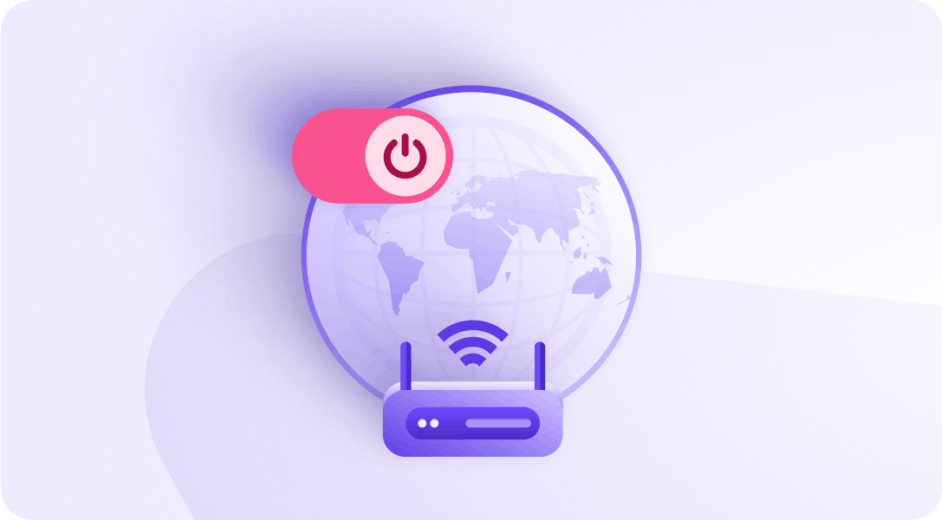
What is a VPN?
VPN stands for virtual private network and refers to a suite of technologies designed to protect your privacy when using the internet.
30-day money-back guarantee

What does a VPN do?
A VPN protects your online privacy by hiding your real IP address and encrypts your internet traffic so you can browse privately, avoid being tracked across the internet, and stop your browsing data from being sold to advertisers.
With Proton VPN, you can also bypass censorship and access websites that might be blocked in your country.

How does a VPN work?
When you turn on a VPN, it creates an encrypted connection between your device and a VPN server. This is often called a VPN tunnel.
The VPN server sits between you and the internet. It sends your traffic on to the websites and services you use, so they see the server’s IP address instead of yours. Here’s how.
Connect
A VPN connects your device to a VPN server run by a VPN provider, like Proton VPN. The connection between your device and the VPN server is fully encrypted and protects your data as it moves between the two.

Conceal
Because the connection to the VPN server is encrypted, your internet service provider (ISP) can't see your online activity. And websites see the IP address of the VPN server, not your real IP.

Circumvent
By connecting to a VPN server in another country, you can bypass local censorship and "spoof" your geographic location.

Built for how you connect
VPN for privacy
Prevent your internet service provider and government agencies from seeing your browsing history.
Block ads, trackers, and malicious scripts with our DNS filtering feature
Protect your online activity with Swiss privacy laws and a strict no-logs policy

VPN for security
Hide your real IP address from websites, preventing them from seeing your geographic location and blocking the easiest way to track you online.
Prevent public WiFi hosts from selling your browsing history
Secure your account with two-factor authentication and a new encryption key for each session

VPN for streaming
Access geoblocked TV shows while traveling
Stream in 4K without buffering, slowdowns, or throttling
Connect up to 10 devices or browsers (via our browser extension) at the same time

VPN for gaming
Unblock geo-restricted games
Connect to the same servers as your teammates
Reduce your internet latency for a seamless gaming experience

VPN for sharing
Hide your real IP address from peers while using BitTorrent
Block ads, trackers, and malicious scripts with our DNS filtering feature
Access torrenting sites that may be blocked by your internet service provider

VPN for travel
Connect to our global network of 20,799 high-speed servers
Protect your browsing history on hotel, airport, and cafe WiFi.
Watch live TV or popular streaming services from your home country while you're away

What should you consider when choosing a VPN?
The most important thing to evaluate when choosing a VPN provider is whether it is trustworthy. This is crucial, as in many ways the VPN provider replaces your ISP, meaning that it can see your browsing history.
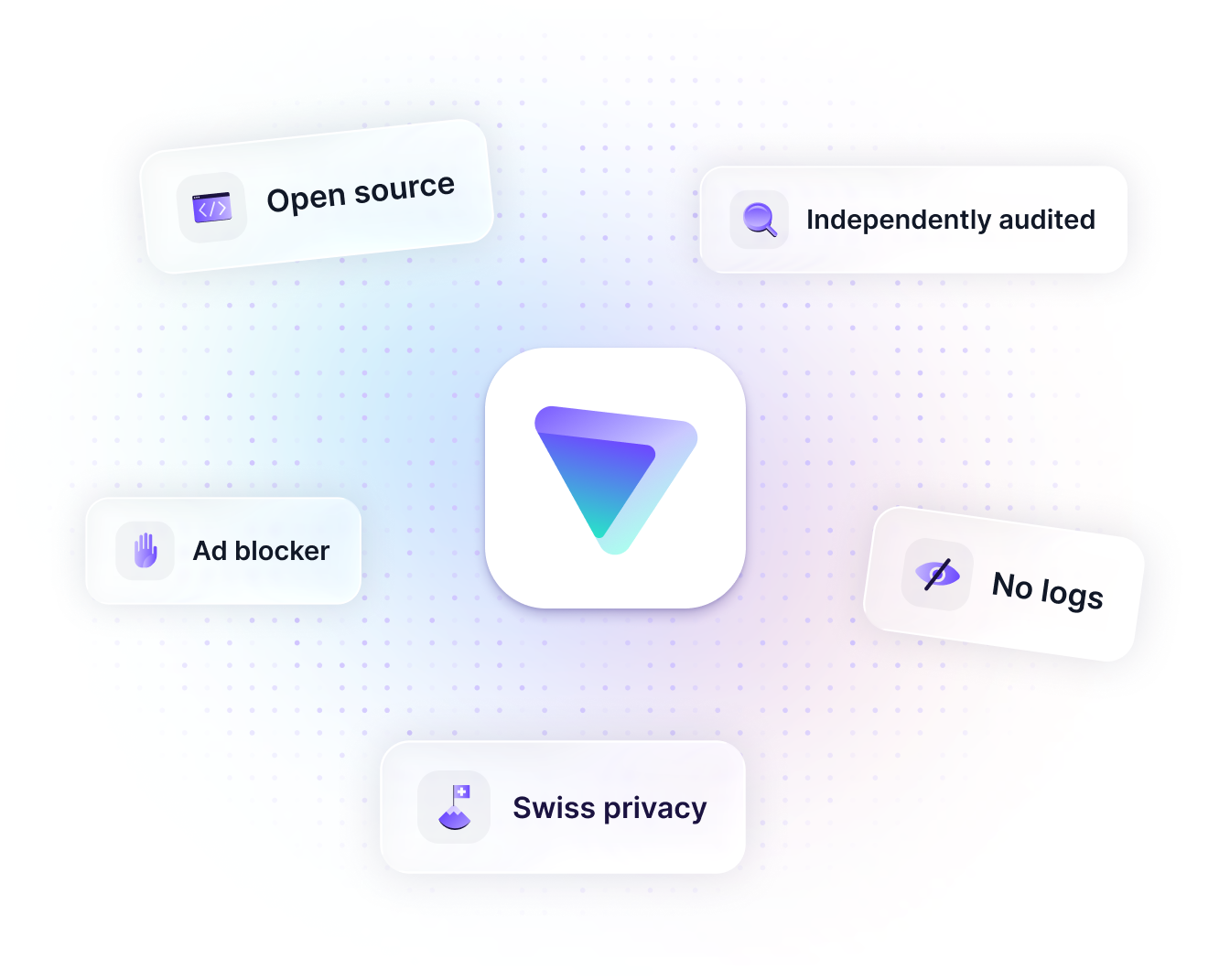
Does the VPN have a strict no-logs policy?
Is the VPN based in a country with strong privacy laws?
Is the VPN open source and independently audited?
Once you’re sure you can trust your VPN provider, you can consider other features based on what you need the VPN for, such as advanced security features, support for streaming, or ad blocking.
Which VPN service is right for you?
Our paid and free VPN plans both offer the same level of privacy protection — they don’t
log your online activity and are protected by strict Swiss privacy laws.
 |  |  |  |  | |
|---|---|---|---|---|---|
Servers | 20,000+ | 7,400+ | 3,000+ | 11,500+ | 4500+ |
Countries | 140+ | 118+ | 100+ | 100+ | 100+ |
Open source | Yes | No | No | No | No |
Openly published no-logs audit | Yes | No | No | No | No |
VPN Accelerator | Yes | No | No | No | No |
Ad blocker | Yes | No | Yes | Yes | Yes |
Malware blocker | Yes | No | Yes | Yes | Yes |
Based in | Switzerland | Panama | British Virgin Islands | Romania | Netherlands |
Owned by | Proton AG | Nord Security | Kape | Kape | Nord Security |
(1) ExpressVPN’s audits into whether it complies with its privacy policy are not public. You have to accept a non-disclosure agreement before you can download them. CyberGhost claims to have had its no-logs policy audited by Deloitte. Customers can request the report directly from Deloitte, but it is not otherwise publicly available. NordVPN claims to have had several “assurance engagements” to verify its no-logs policy. Only customers can access them on the NordVPN website. Surfshark also requires people to sign up and log in to see its no-logs audits. (2) Features are not available with NordVPN’s basic plan. (3) Kape Technologies is based in the UK and also owns(new window) Private Internet Access and EventVPN. (4) Nord Security’s true ownership (and therefore its ultimate jurisdiction) is very uncertain(new window).
Last updated: April 2026
Why Proton?
Unlike other free VPNs, Proton VPN has no data limits, no ads, and no catches. And it provides the same level of security and trustworthiness as our paid plans. You can inspect our apps' code yourself or read an independent expert's assessment. This is only possible thanks to the support of the paying members of the Proton VPN community.
Therefore, we recommend subscribing to our paid plan if you’d like access to premium features that allow you to:
Select a specific country or server
Stream geo-blocked content while traveling internationally
Block trackers and malware with NetShield Ad-blocker
And more!


Compare plans today
To help you decide if our free plan or one of our paid plans is right for you, click the button below to find out additional information and compare plans.
Try our premium Plus plan risk-free with our 30-day money-back guarantee.

Learn more about VPNs
Does a VPN protect you from hackers?
5 reasons to use a VPN for streaming
What is a VPN kill switch and when should you use one?