


Proton VPN on Linux
- Reading
- 3 mins
- Category
- Linux
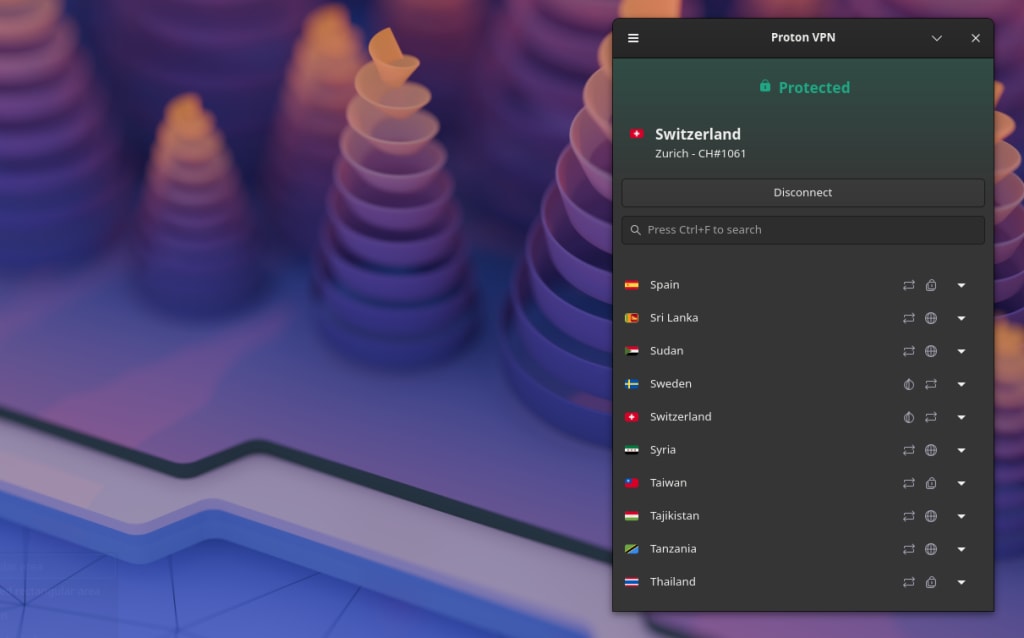
Proton VPN offers a Linux GUI app (with a graphic user interface) and a Linux CLI (command-line tool).
How to install Proton VPN on Linux
Proton VPN Linux is available for the following platforms. Use the following guides to install both the GUI app and the CLI.
- Debian GNOME
- Ubuntu GNOME (also available via Snap(new window))
- Fedora GNOME
- Arch
- Snap(new window) (GUI app only, see limitations)
A Flatpak(new window) version of the GUI app is also available, and reports indicate it works well (subject to similar limitations as the Snap package). However, this is developed and maintained by third-parties, so support may be limited.
Other platforms
In practice, the Proton VPN Linux GUI app and Proton VPN CLI work on many Linux distributions and desktop environments (such as KDE) that are not officially supported. This is especially true for distributions based on Debian and Ubuntu. We encourage you to experiment with these, but you may encounter bugs and support may be limited.
Manual configuration
You can also manually configure Proton VPN on Linux using:
Note that if we retire a server that you’ve manually configured for your devices, you may need to download new configuration files.
Don’t know which distro you’re running?
If you’re not sure which Linux distro you’re using, open a terminal window and run:
cat /etc/*release
In the output, look for:
- PRETTY_NAME: This is the name of your distribution and its version number. Proton VPN actively supports the latest versions of Debian, Ubuntu, and Fedora.
- ID_LIKE: If your distro is a derivative of another distro, you’ll see its “parent” distribution(s) listed here. In the example below, KDE Neon is based on Ubuntu, which itself is based on Debian.
If you’re using a distro that’s based on one of our supported distros, there’s a very good chance it will work with no or few problems. But support may be limited.

Limitations on Snap
Our native Linux packages give you the full Proton VPN experience. The Snap version works well for basic use, but Snap’s extra security protections can block more advanced features. Current limitations of the Snap package include:
- No support Proton Protocols (and therefore Smart Protocol and Stealth. Currently available on the GUI app only)
- No support for split tunneling (currently available on the GUI app only)
- No support for ARM devices
If you rely on these, we recommend installing directly from our repos instead.
As usual, we officially support the latest versions of a Linux distribution. If you’re running Ubuntu 24 or lower, you may experience connection issues.