


Trusted and easy-to-use VPN app for Android TV
Proton VPN offers an Android TV app so you can protect your privacy and access blocked and censored content while using your smart TV.
Our open source Android app is also available on F-Droid(new window) or can be downloaded as an APK on GitHub. Find more details in our FAQ section.
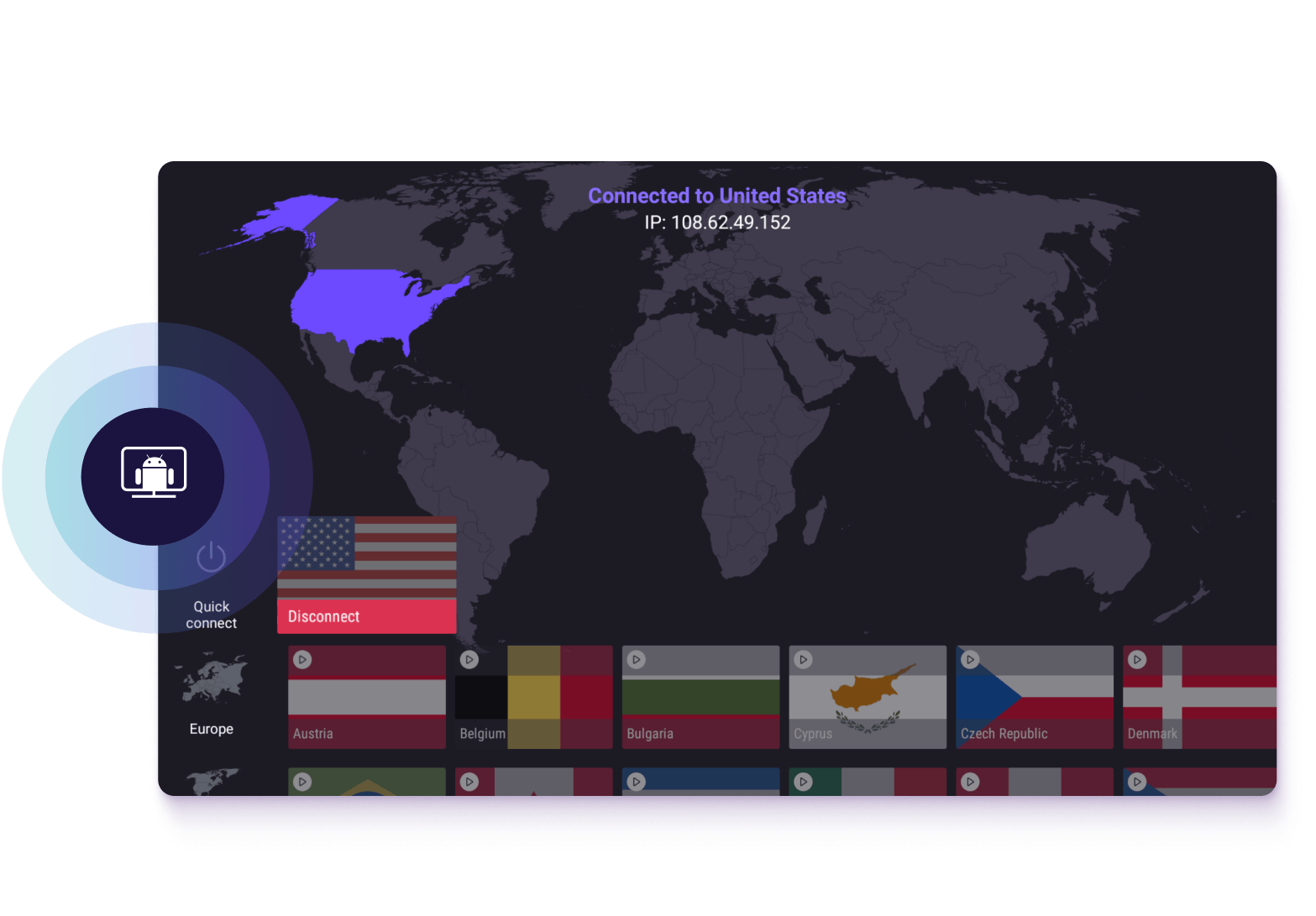
How to use the Proton VPN Android TV app
Create an account
To start using Proton VPN on Android, sign up for free or buy a paid Proton VPN Plus account.
With our paid plans, you can use Proton VPN on up to 10 devices at the same time, connect to over 20,000+ high-speed servers in over 140+ countries, and access premium features.
Download Proton VPN and log in
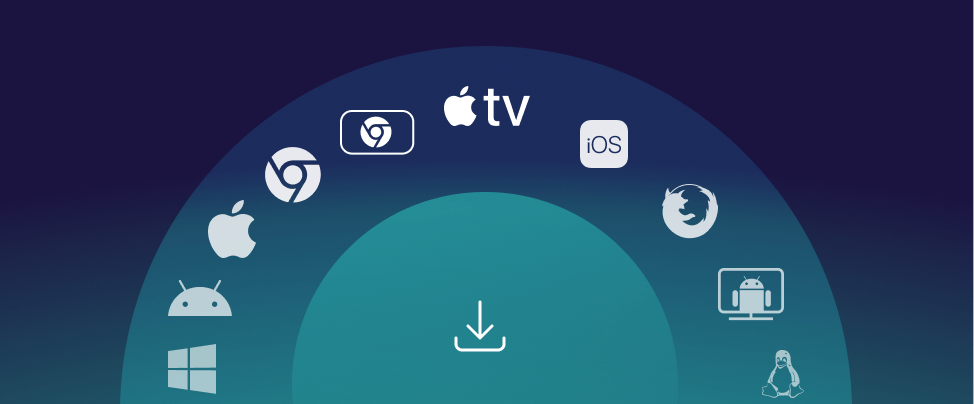
- Download the application from your TV’s app store. Alternatively, you can install the app using your desktop browser from the Google Play Store(new window).
- Choose your Android TV as the device to install to automatically start the installation on your TV.
- Once the Android TV app is installed, run it and follow the on-screen instructions to sign-in to your Proton VPN account using any browser. You need to do this only once on the first login. Proton Unlimited, Proton Familly and Proton Visionary users already have a Proton VPN account and can sign in with existing Proton credentials.
Connect to a server
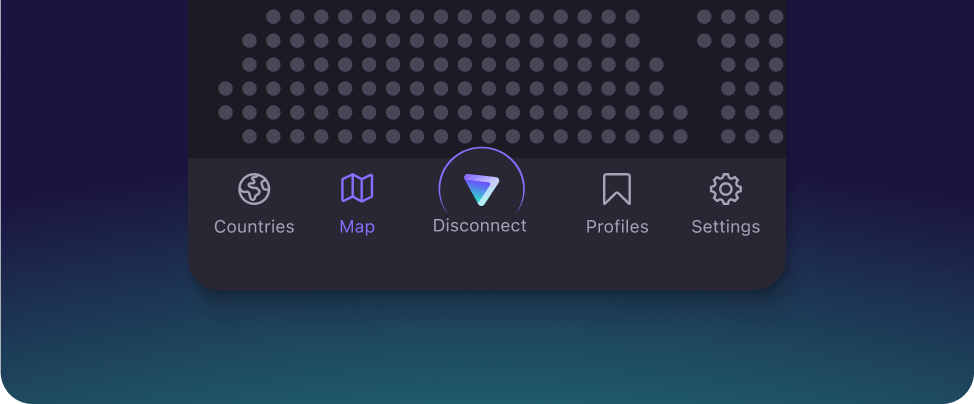
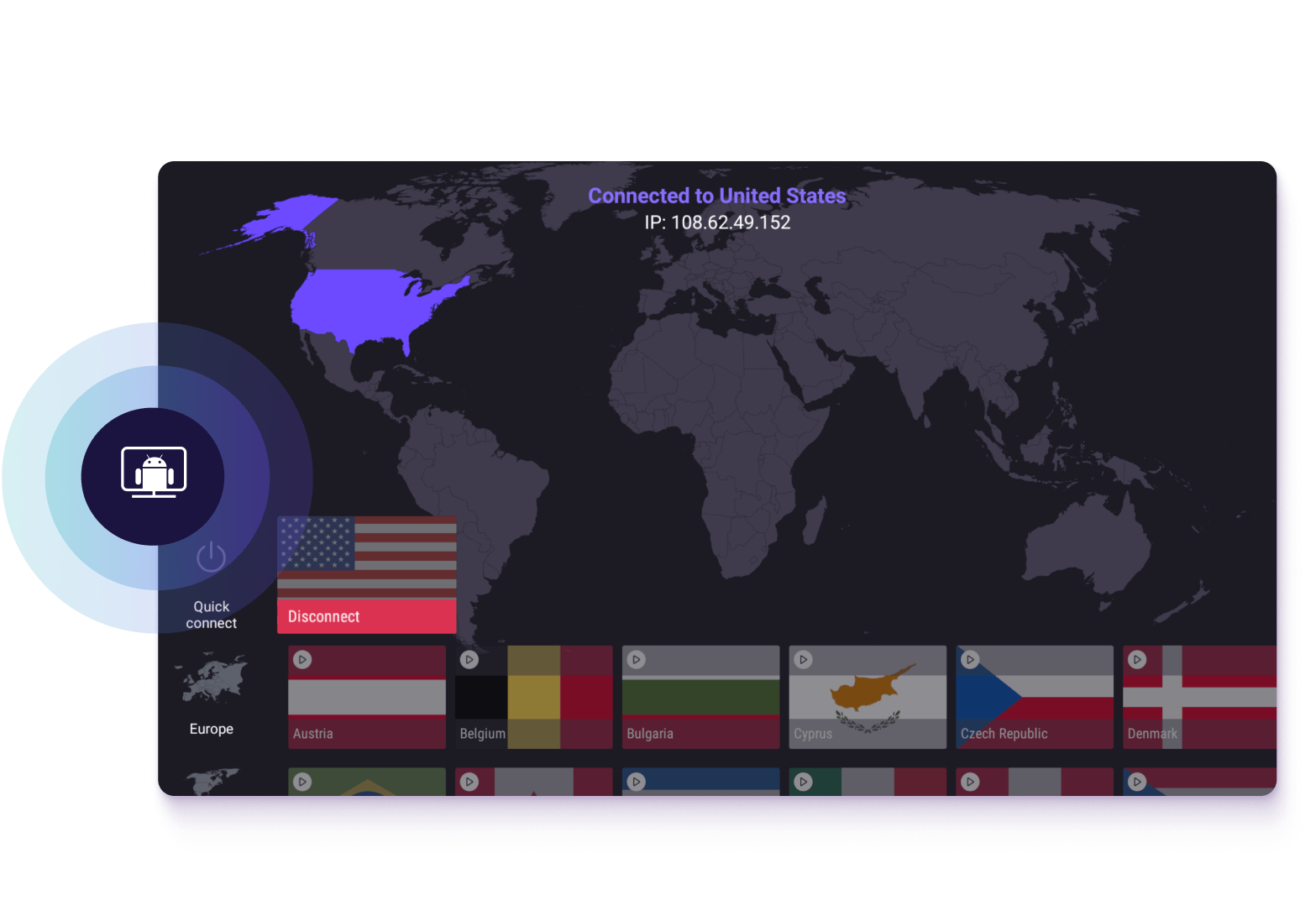
Use your TV remote to select the country for the streaming service that you'd like to access.
Your connection to our VPN server is now securely encrypted so your ISP can't see what you get up to online.
If you have a VPN Plus or Proton Unlimited plan, you can start streaming content through for Netflix, Hulu, or any other services that we support.
For step-by-step installation instructions, read our Proton VPN for Android TV guide.
Download Proton VPN for your device
Security made easy
Securely stream your favorite content from the comfort of your sofa!
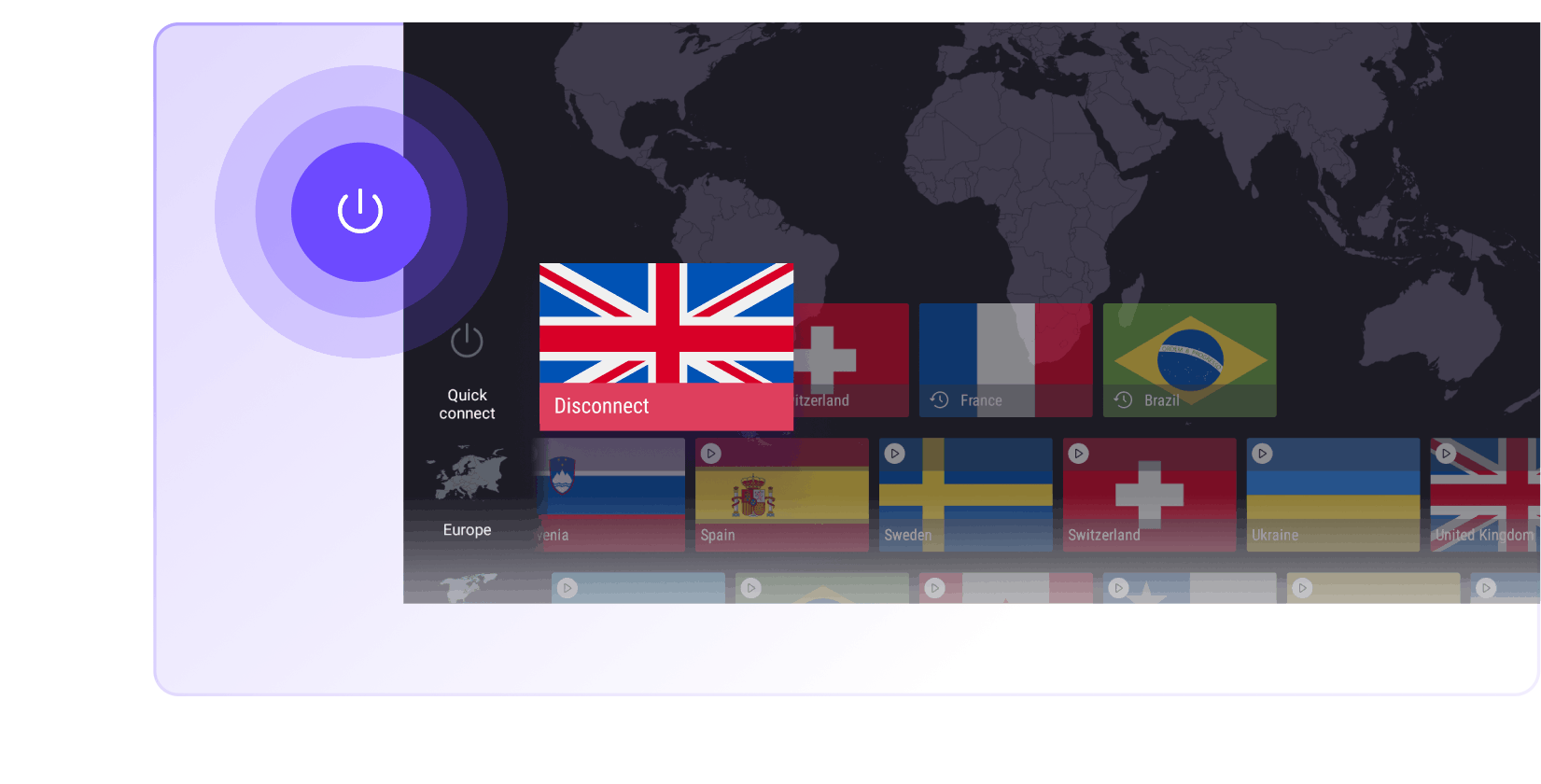
Easy connect
Simply select a country you wish to stream from and our Android TV app will automatically connect you to the fastest VPN server in that country.
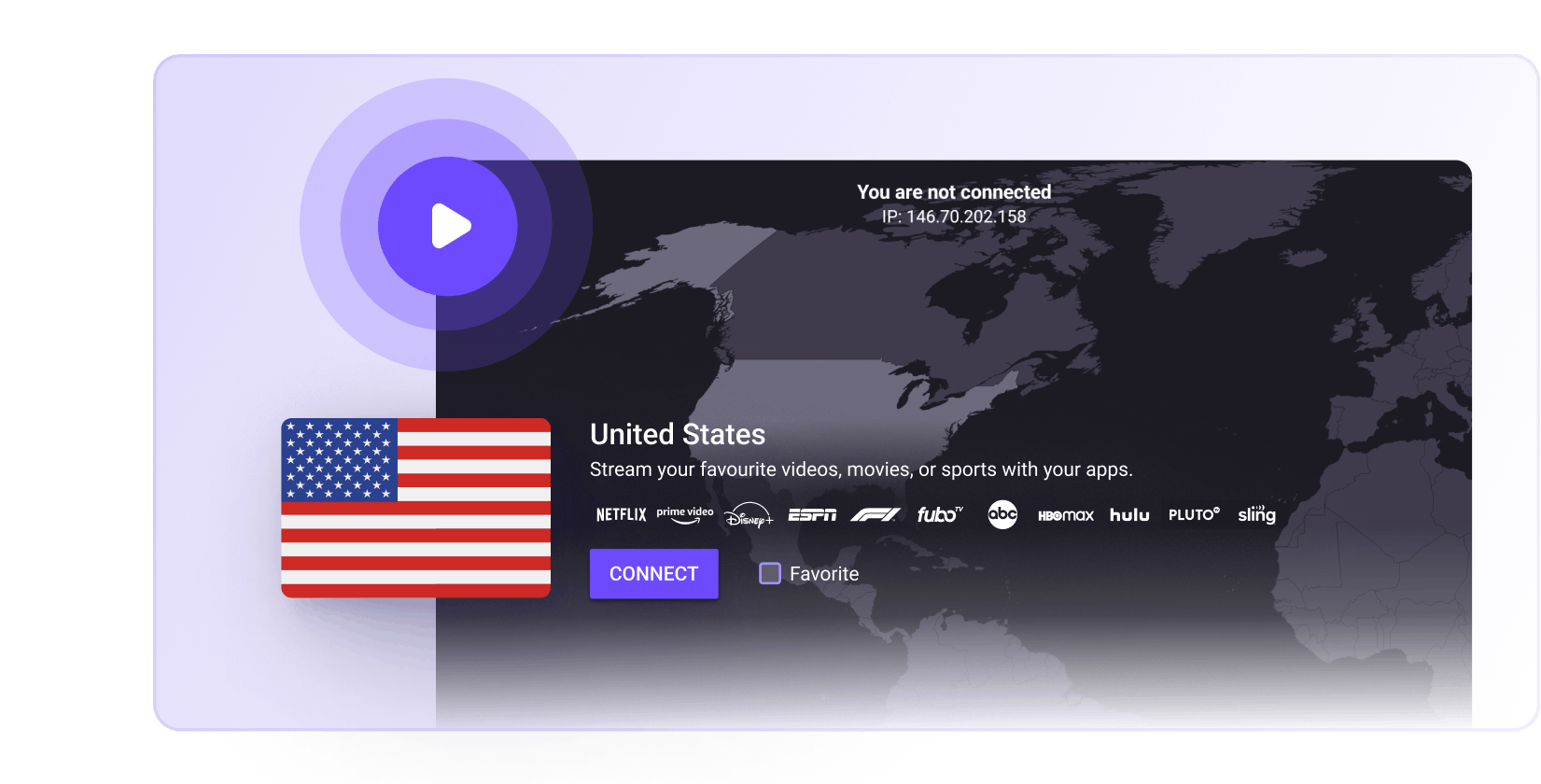
Stream movies and shows
Unblock popular streaming services, including Netflix, Hulu, Disney+, and more. Watch your favorite content without buffering using our fast 10 Gbps Plus servers. Available for anyone with a VPN Plus or Proton Unlimited plan.
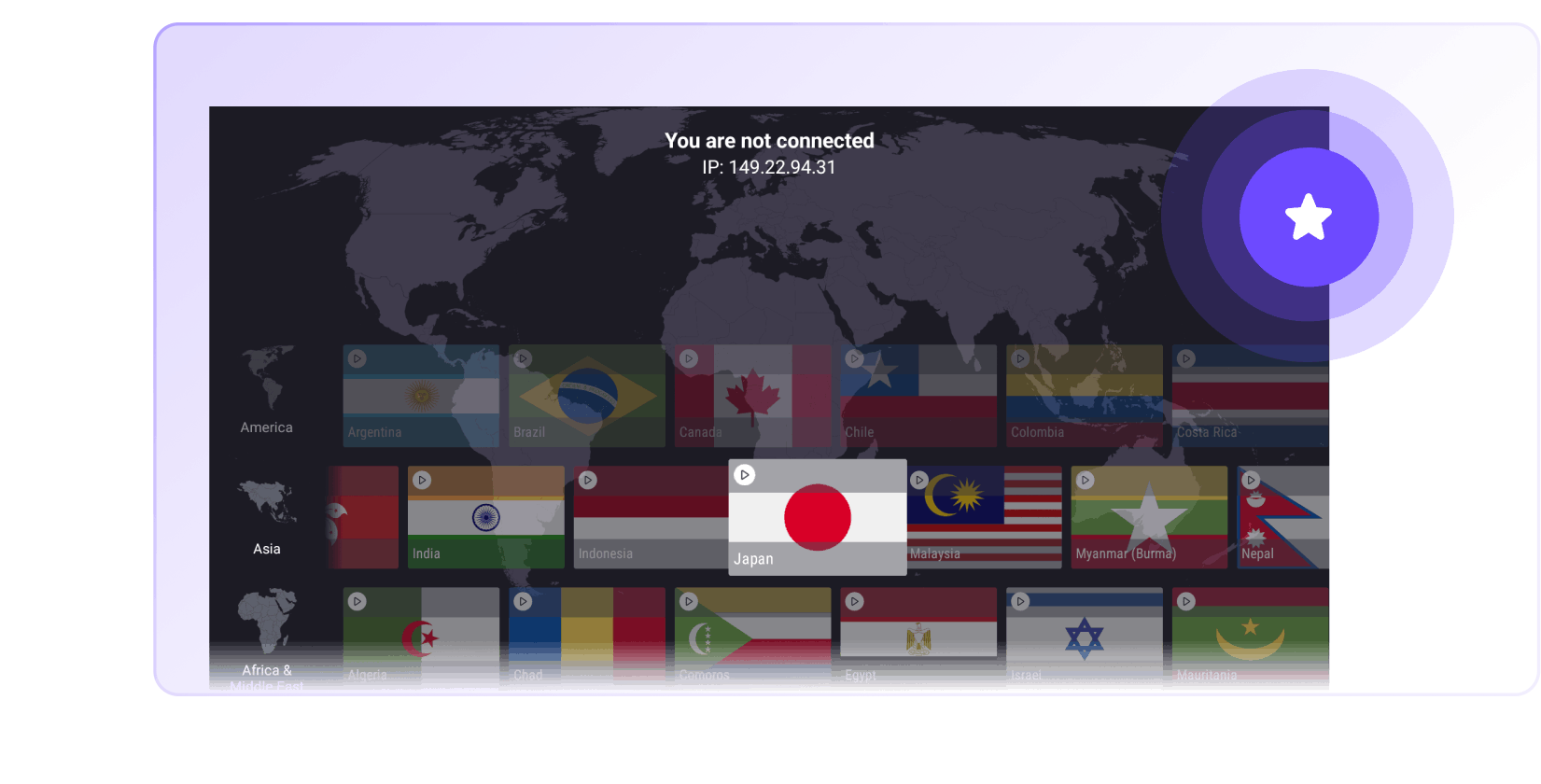
Save your favorite countries
You can save your favorite countries for easy access at a later point.
Why choose Proton VPN for Android?
No-logs VPN
We do not keep any logs that can identify what you do online
DNS and IPv6 leak protection
Our Android TV app will never accidentally expose your real IP address
Strong encryption
We only use secure VPN protocols and advanced encryption
Swiss based
Switzerland has some of the world's strongest data privacy laws

Secure your internet
Strict no-logs policy
All apps are open source and audited
High-speed servers (up to 10 Gbps)
Based in Switzerland
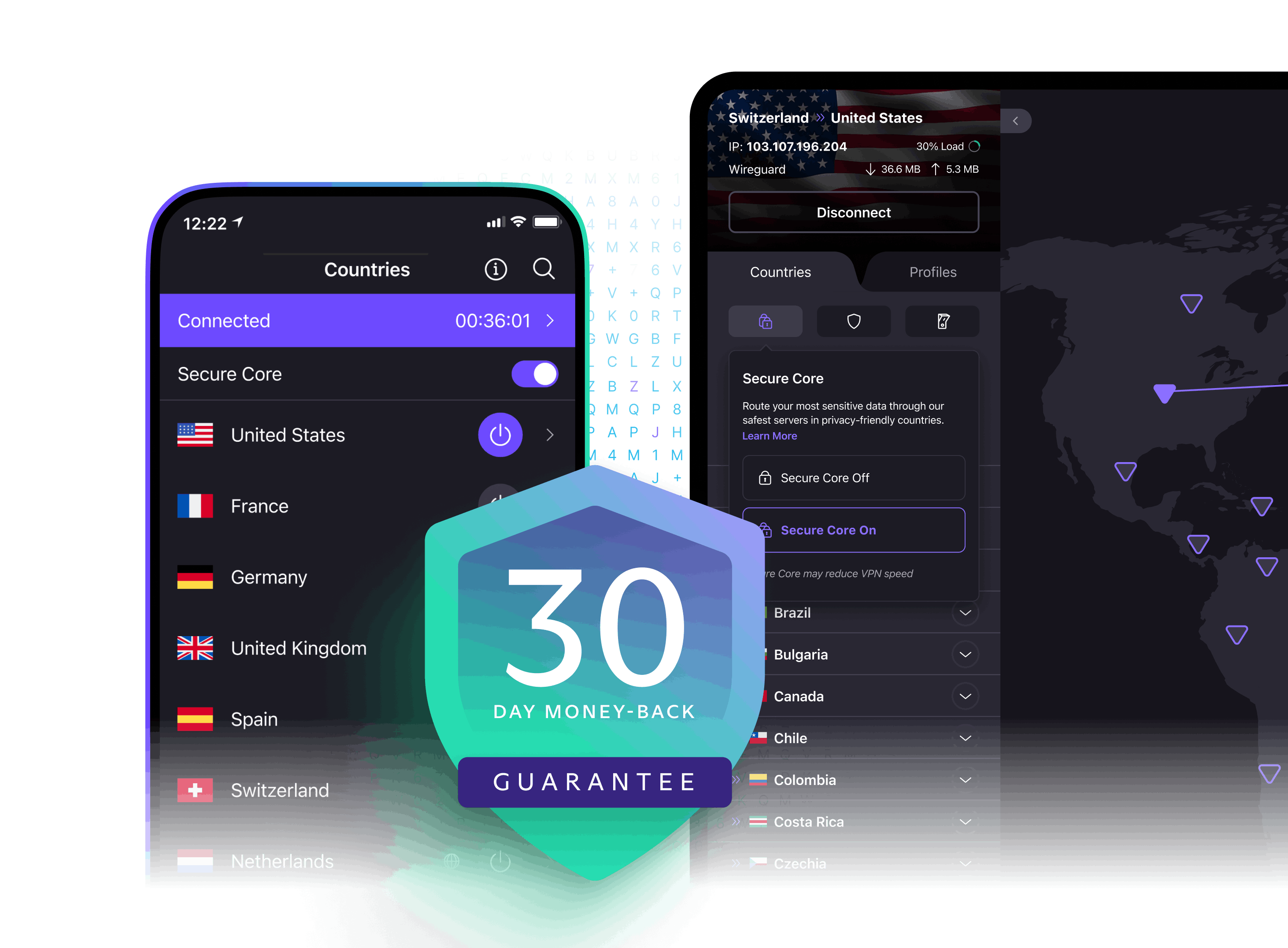
30-day money-back guarantee
Why choose the Proton VPN application for Android
Proton VPN is brought to you by the team behind Proton Mail(new window), the world's largest end-to-end encrypted email service. Millions of journalists, activists, and citizens worldwide rely on Proton VPN to stay safe.
Our VPN app for Android:
Is designed for use on a big screen with a TV remote
Lets you unblock and watch popular streaming services (Only available with VPN Plus and Proton Unlimited plans)
Is open source and fully audited by third-party professionals
Proton VPN is a community driven service with a mission to create a more free and open internet. Download our Android TV VPN app to join our community.

Trusted and recommended by the experts and our community

Proton VPN rises above the competition with an excellent collection of features, a high-performance server network, and a nearly peerless free subscription option, making it the top service we recommend.

Our top-scoring Best Buy VPN

Our top pick is ProtonVPN thanks to its easy-to-use interface, no-logs policy and open-source framework.

Amazing VPN: privacy focused, lots of servers to choose, and some extra safeguards such as ad tracking prevention. The best out there 👌

Excellent VPN, clean and easy interface. Connections are always stable. Must have if you want to keep your online surfing private.

Fast connections all over the world. Set up and use is very easy. By far the best VPN out there and worth the subscription!
Download a trustworthy VPN app for your Android TV
NetShield blocks malware, ads, and online trackers
Highest speed VPN servers for seamless streaming
Frequently asked questions
- How to choose the best VPN for Android TV?
- How to install a VPN on Android TV?
- How to easily connect to a VPN server on Android?
- How to access blocked content with a VPN on Android TV?
- What is the fastest VPN for Android TV?