


A trusted, easy-to-use VPN app for Linux
Proton VPN for Linux is built for people who want strong privacy without unnecessary complexity. Use our intuitive Linux (GUI) app for everyday protection, or our CLI to connect directly from the terminal.
Download the Linux (GUI) app or the Linux CLI and sign in with your Proton Account. If you don't have an account, sign up here.
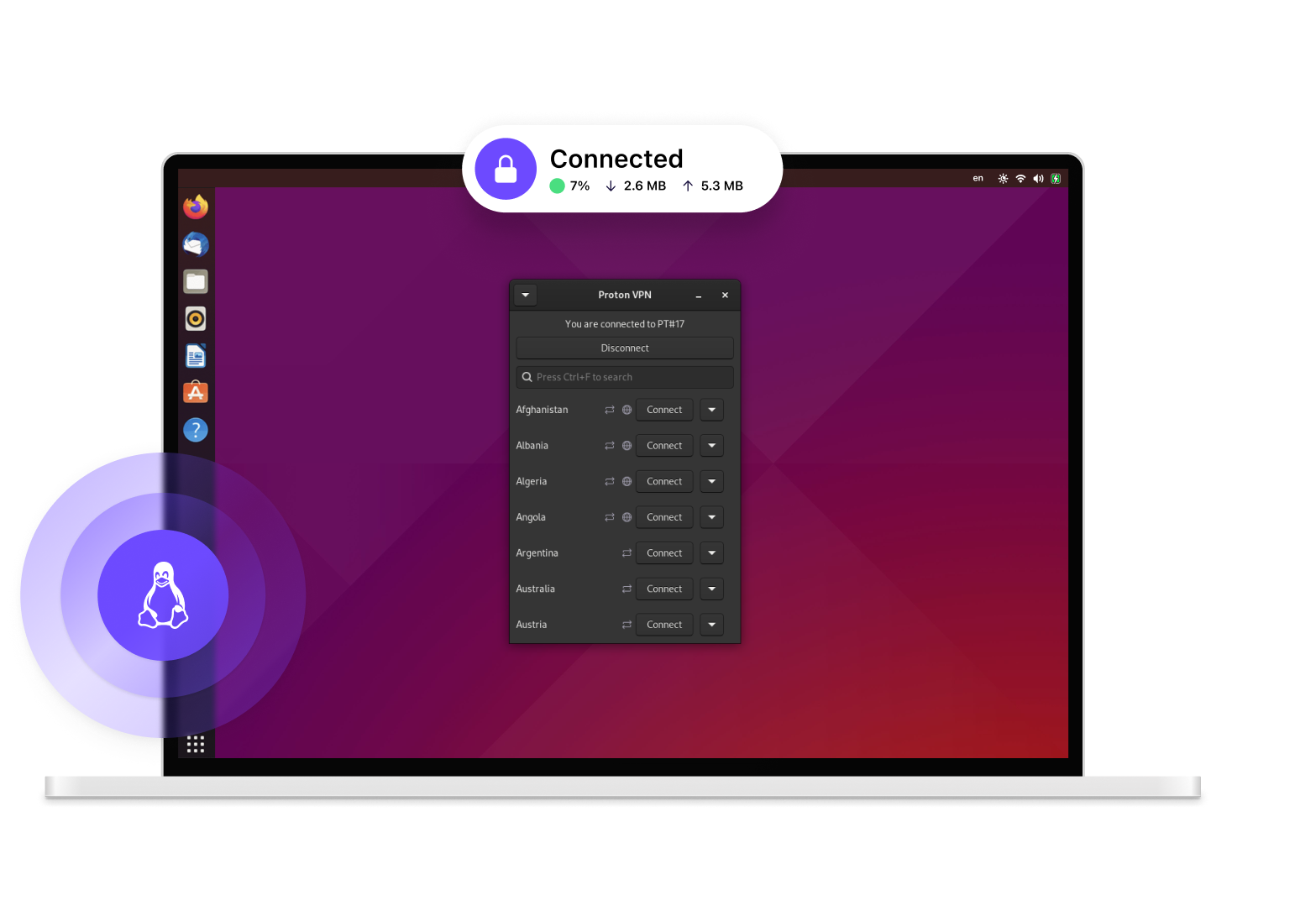
How to use Proton VPN on Linux
Create an account
To start using Proton VPN on Android, sign up for free or buy a paid Proton VPN Plus account.
With our paid plans, you can use Proton VPN on up to 10 devices at the same time, connect to over 20,000 high-speed servers in over 140 countries, and access premium features.

Download Proton VPN and sign in
Install Proton VPN on Ubuntu, Debian, or Fedora (also Arch for CLI) using the instructions on our Linux support page. The app may work on other Debian or Ubuntu-based distros, but we don't officially support these.
Once the app is installed on your Linux device, run it and log in with your Proton VPN username and password. If you use Proton Mail, you already have a Proton VPN account and can sign in with your existing Proton username and password.
You can also connect to the Proton VPN servers on any Linux system by manually configuring OpenVPN or WireGuard®.

Connect to a server
You can automatically connect to the fastest VPN server for your location or choose to connect to any specific server that is available on your plan.
The data traveling between your device and the VPN server is encrypted, meaning:
- Your internet service provider cannot monitor your activity.
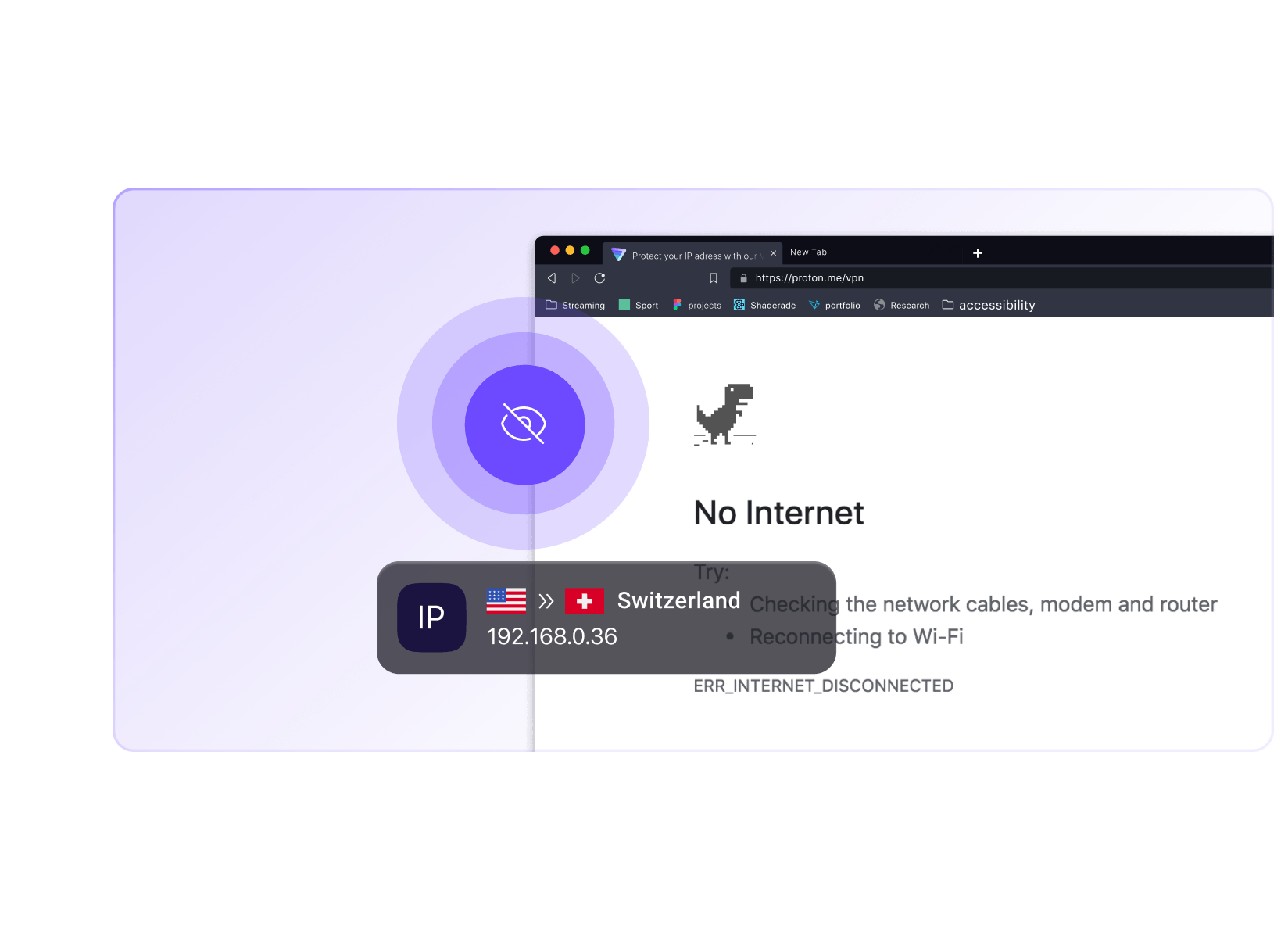
- Websites see the IP address of the VPN server you're using.
You can check your IP address whenever you're connected to find your VPN server's address.
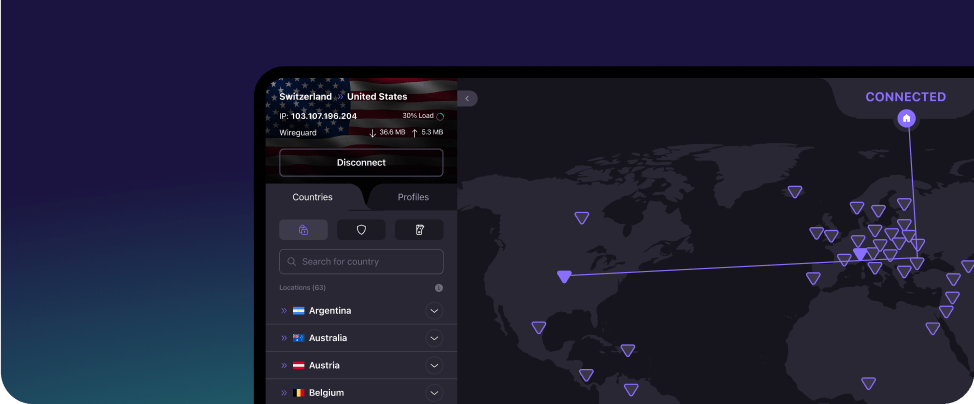
For step-by-step installation instructions, read our Proton VPN for Linux guide
Download Proton VPN for your device
Security made easy
Our Linux (GUI) app offers advanced features carefully designed to improve your online security
Secure core VPN
Secure Core protects your connection by routing your traffic through multiple servers before it leaves our network, defending you against advanced, network-based attacks.
Secure Core servers are located in hardened data centers in Switzerland, Iceland, and Sweden, protected by strong privacy laws, and operated on Proton's dedicated networks.
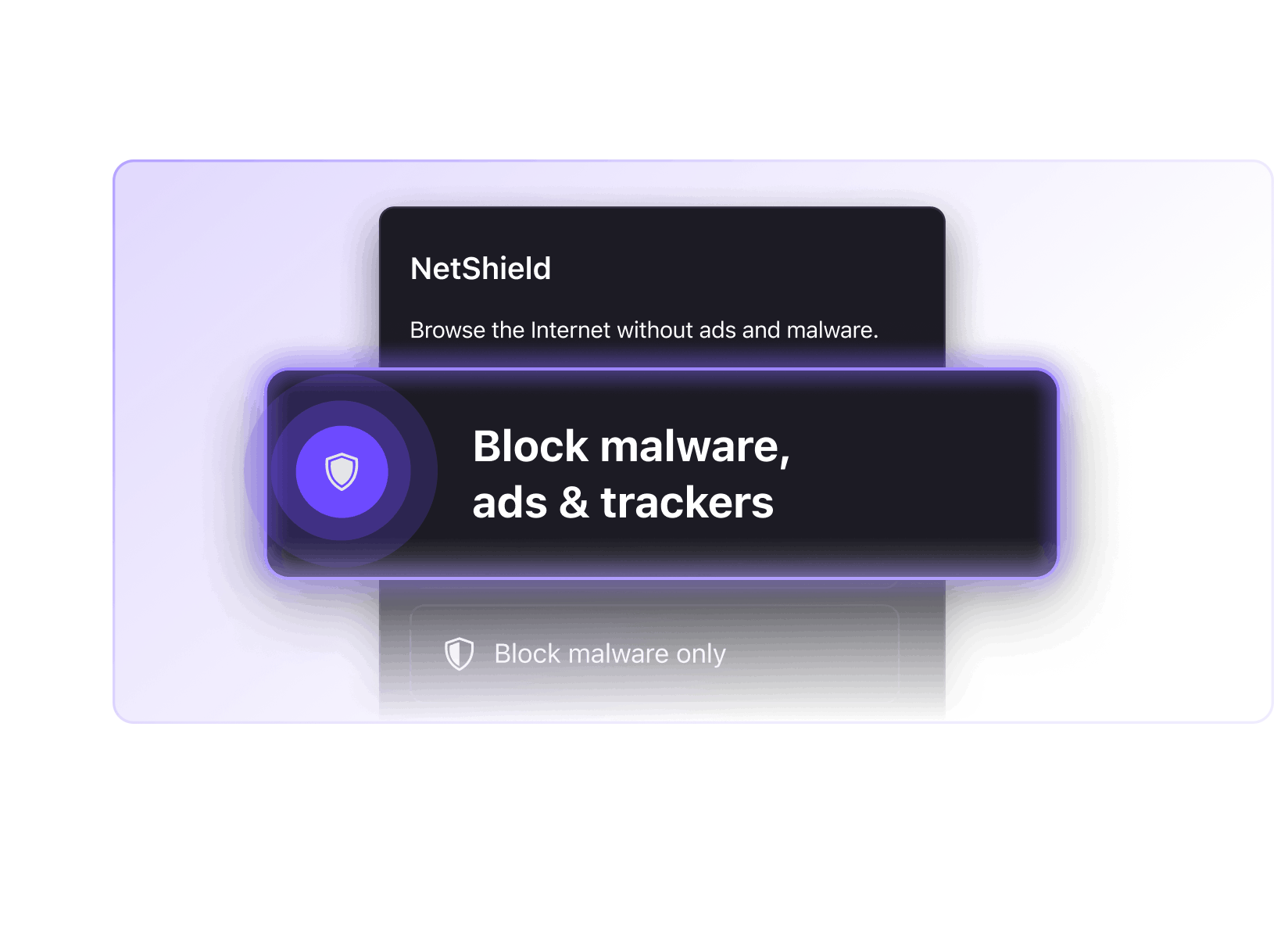
NetShield Ad-blocker
NetShield speeds up your connection and protects you from malware by filtering out images, scripts, and other resources that are from domains known to host malware.
Available for VPN Plus and Unlimited users, NetShield can also block online trackers and ads.

Kill switch
A VPN kill switch keeps your IP address safe if something goes wrong with your VPN connection.
If your VPN connection fails, the kill switch will prevent your device from connecting to the internet until your device reconnects to a VPN server.
Why use Proton VPN?
No-logs VPN
We do not keep any logs that can identify what you do online
DNS and IPv6 leak protection
Our Android app will never accidentally expose your real IP address
Easy-to-use interface
The Proton VPN Linux (GUI) app has an intuitive graphical user interface that lets you quickly activate features and connect to servers
P2P support
Share and download files using BitTorrent and other P2P protocols
VPN Accelerator
Available on all Proton VPN paid plans, our unique VPN Accelerator technology can improve speeds over large distances by over 400%.
Strong encryption
We use the WireGuard® and OpenVPN protocols at their strongest encryption settings
Based in Switzerland
Switzerland has some of the world's strongest data privacy laws
Secure streaming
Unblock popular streaming services and watch your favorite shows

Secure your internet
Strict no-logs policy
All apps are open source and audited
High-speed servers (up to 10 Gbps)
Based in Switzerland
30-day money-back guarantee
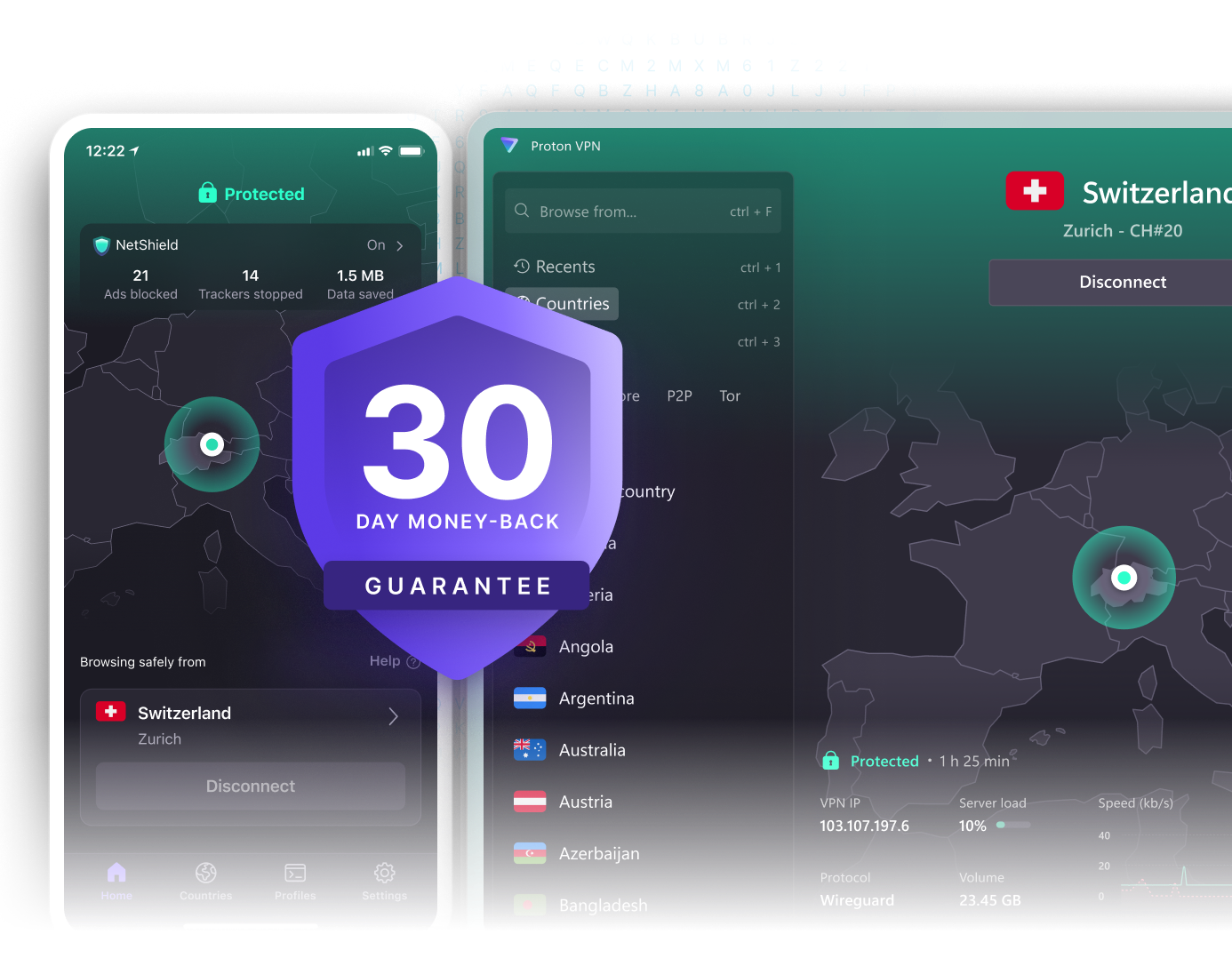
Why choose the Proton VPN application for Linux
Proton VPN is brought to you by the team behind Proton Mail(new window), the world's largest end-to-end encrypted email service. Millions of journalists, activists, and citizens worldwide rely on Proton VPN to stay safe.
Our VPN app for Linux:
Is open source and fully audited by third-party professionals
Enables you to bypass censorship and access the truth
Keeps no logs of user activity
Lets you unblock and watch popular streaming services (Only with VPN Plus or Proton Unlimited plans)
Is open source and fully audited by third-party professionals
Proton VPN is a community driven service with a mission to create a more free and open internet. Download our Linux VPN app to join our community.

Trusted and recommended by the experts and our community

@design_RG
Wanted to thank you for the outstanding service your company offers - I have used vpn service over the years, and seen many. The speed and reliability of your client software surprised me, instantly - it's World Class, and better.

@EncryptedHodler
I highly recommend @ProtonVPN for an extremely secure VPN with a great reputation. And you can bundle it with @ProtonMail to make your email private instead of having google or yahoo, etc from scraping your inbox and selling your data.
Download the Linux (GUI) app
Kill switch and advanced kill switch keep your IP address safe at all times
NetShield blocks malware, ads, and online trackers
Port forwarding allows fast P2P downloads

Frequently asked questions
- How to choose the best VPN for Linux?
- How to install a VPN in Linux?
- How to easily connect to a VPN server in Linux?
- How to access blocked content with on Linux?
- What is the fastest VPN for Linux?