


How to cancel a Proton VPN subscription
You can cancel VPN Plus (or any other paid Proton VPN subscription) any time. Once canceled, your subscription will expire at the end of your current billing cycle.
If you subscribed in the last 30 days, you may be able to request a refund under our 30-day money back guarantee.
- How canceling works
- How to cancel if you paid on the Proton VPN website
- How to cancel if you subscribed on the App Store
- How to cancel if you subscribed on Google Play
- How to request a refund under our 30-day money-back guarantee
- How long refunds take to arrive
- Deleting your Proton Account
Before you cancel
If you want to cancel because you’re having trouble using Proton VPN, there’s a good chance your issue can be resolved.
- Visit our help center for quick answers to common problems
- Contact our customer support team (Your paid subscription includes priority support and live chat)
How canceling works
When you cancel a Proton VPN subscription, it disables all future plan renewals so you won’t be charged again.
You’ll still be able to use premium VPN features until your next renewal date. After that, your account will be downgraded to Proton Free.
You can cancel in a few different ways, depending on how you paid for your subscription.
How to cancel if you paid on the Proton VPN website
Note: Some of the screenshots in this section show a Proton Unlimited account. However, the steps are exactly the same for VPN Plus and all other paid Proton VPN plans.
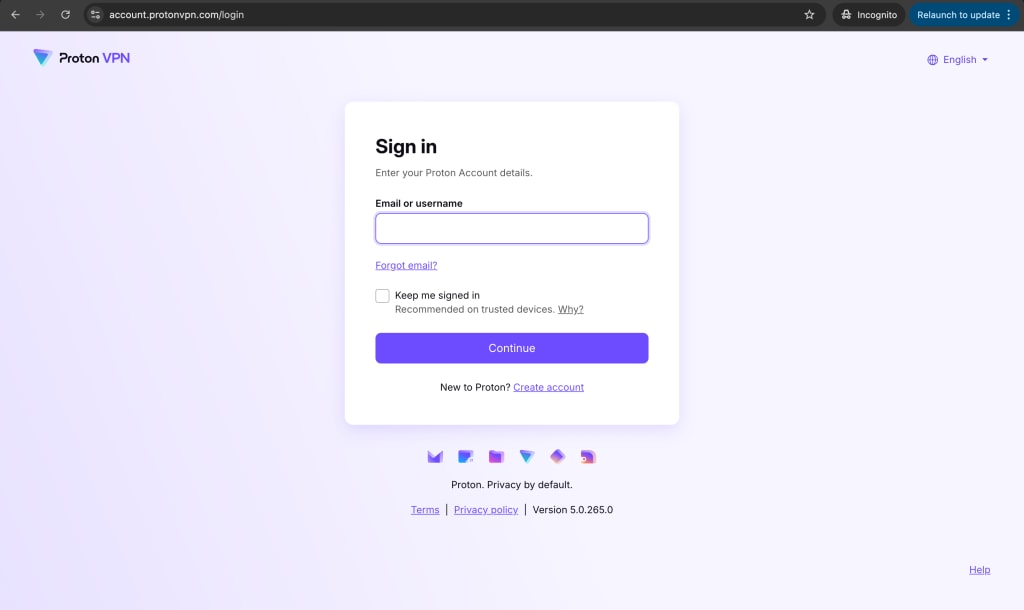
- Go to https://account.protonvpn.com and sign in.
- Go to the sidebar and select Subscription. Scroll to Cancel subscription and click Continue.

- Select Cancel subscription.

- Read the cancellation terms carefully. If you’re sure you want to cancel, select Cancel subscription again. Don’t close the page after this — there’s one more step to complete.

- Select a reason for canceling and click Submit. Your cancellation will not be finalized until you have done this.

Please also consider leaving some feedback to help improve our service.
- You’re all done. You can still use VPN Plus features until the expiration date.

If you change your mind, you can resubscribe at any time. Just go back to account.protonvpn.com, sign in if needed, and select Reactivate now.
How to cancel if you subscribed on the App Store (iOS)
- Open your device settings.
- You should see your name (or Apple ID) at the top of the menu. Tap to open your Apple Account settings.
- Tap Subscriptions → Proton VPN.
- Tap Cancel Subscription and read the cancellation terms. If you’re sure you want to cancel, tap Cancel Subscription again.
- You’re all done. You can still use Plus features until the expiration date. If you change your mind, tap Renew to restart your subscription.
How to cancel if you subscribed on Google Play (Play Store)
- Open the Play Store app on your Android and sign in if needed.
- Tap your avatar or profile picture, then select Subscriptions.
- Select Proton VPN and follow the instructions to cancel.
- You’re all done. You can still use Plus features until the expiration date. If you change your mind, you can restart your subscription at any time.
If you don’t have your Android device with you, you can access the Play Store (nueva ventana)online(nueva ventana).
How to request a refund under our 30-day money-back guarantee
If you subscribed on the Proton VPN website
If you subscribed in the last 30 days, contact our customer support team to request a refund. To avoid disappointment, please check how long you’ve been subscribed for before you get in touch.
At the moment, we can’t issue refunds for bank transfer or cash payments.
If you subscribed on Google Play
Request a refund from our customer support team. You may also be able to cancel and request a refund through Google Play. You can find more details about how to do this on their website(nueva ventana).
If you subscribed on the App Store
Cancel your subscription in the App Store, then request your refund from the Apple website.
- Open your device settings.
- You should see your name (or Apple ID) at the top of the menu. Tap to open your Apple Account settings.
- Tap Subscriptions → Proton VPN.
- Tap Cancel Subscription and read the cancellation terms. If you’re sure you want to cancel, tap Cancel Subscription again.
- Next, go to reportaproblem.apple.com(nueva ventana) and sign in to the account you purchased your subscription with. Follow the instructions to request a refund.
How long do refunds take to arrive?
- Payment card: 5-10 business days
- PayPal: 1-2 working days
- Bitcoin: 1-2 working days
- App Store: Around 5-10 days
- Play Store: Around 3-5 days (you can track this on Google’s support site(nueva ventana))
Deleting your Proton Account
Canceling a Proton VPN subscription doesn’t delete your account. You’ll still have an account with access to the free version of all Proton services.
To permanently delete your account and data from our systems (or to merge your Proton Account with another one) check out our guide on deleting your Proton Account(nueva ventana).