


Jak korzystać z Proton VPN na urządzeniu z systemem Amazon Fire OS
- Odczytywanie
- 2 min
Większość urządzeń Amazon Fire TV Stick i Fire TV korzysta ze zmodyfikowanej wersji Androida jako systemu operacyjnego. System ten nosi nazwę Fire OS. W tym artykule opisano instalację aplikacji Proton VPN dla Android TV na urządzeniu z systemem Fire OS.
Pod koniec 2025 roku Amazon zaczął wdrażać Vega OS – oparty na Linuksie system operacyjny dla urządzeń Amazon Fire TV Stick, który zastępuje Fire OS. Jeśli masz nowszy Fire TV Stick z systemem Vega OS, zamiast tego musisz skorzystać z naszej aplikacji dla Vega OS.
Nie wiesz, jaki system operacyjny ma twoje urządzenie Fire TV? Kliknij tutaj.
Streamuj treści z całego świata
Aby rozpocząć, potrzebujesz konta Proton. Proton VPN możesz zainstalować i uruchomić na urządzeniu z systemem Fire OS w ramach naszego bezpłatnego planu, ale obsługa streamingu jest dostępna tylko w płatnych planach Proton VPN.
- Utwórz swoje konto Proton VPN
- Dowiedz się, jak ulepszyć istniejącą subskrypcję Proton VPN(nowe okno)
Jak zainstalować Proton VPN na Amazon Fire OS
1. Możesz nacisnąć przycisk mikrofonu na pilocie, aby wyszukać głosowo Proton VPN, ale w naszych testach metoda ta okazała się zawodna.
Możesz też przejść do Znajdź → Appstore…
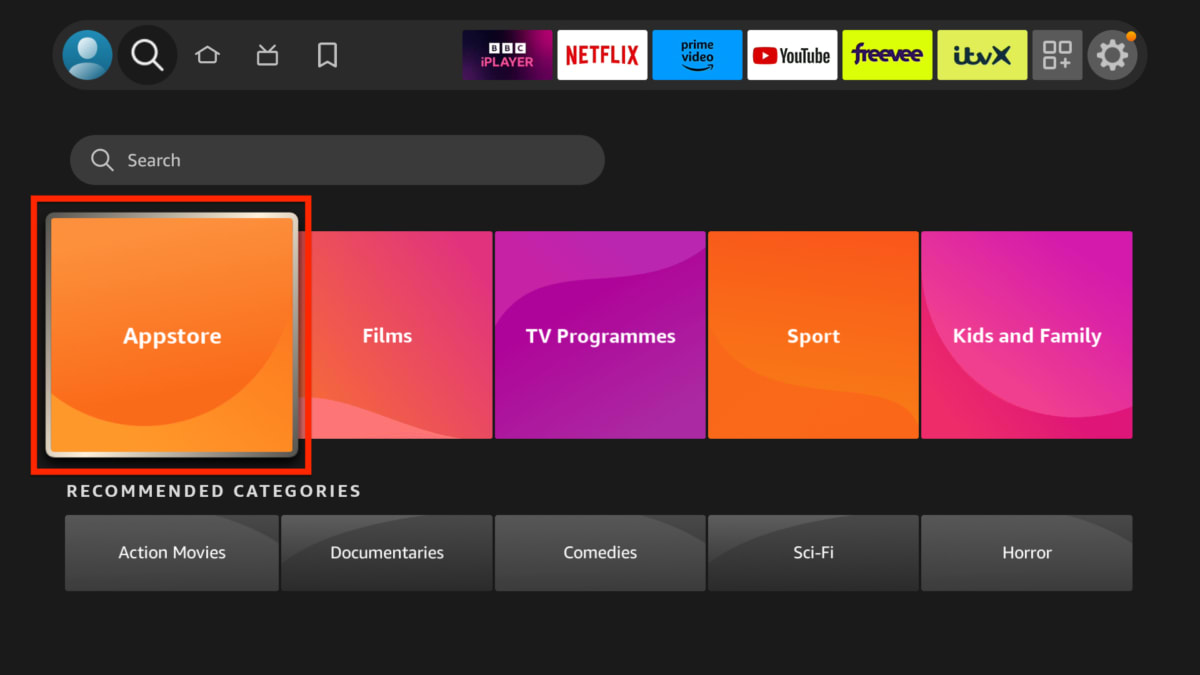
I wyszukaj „proton vpn”.
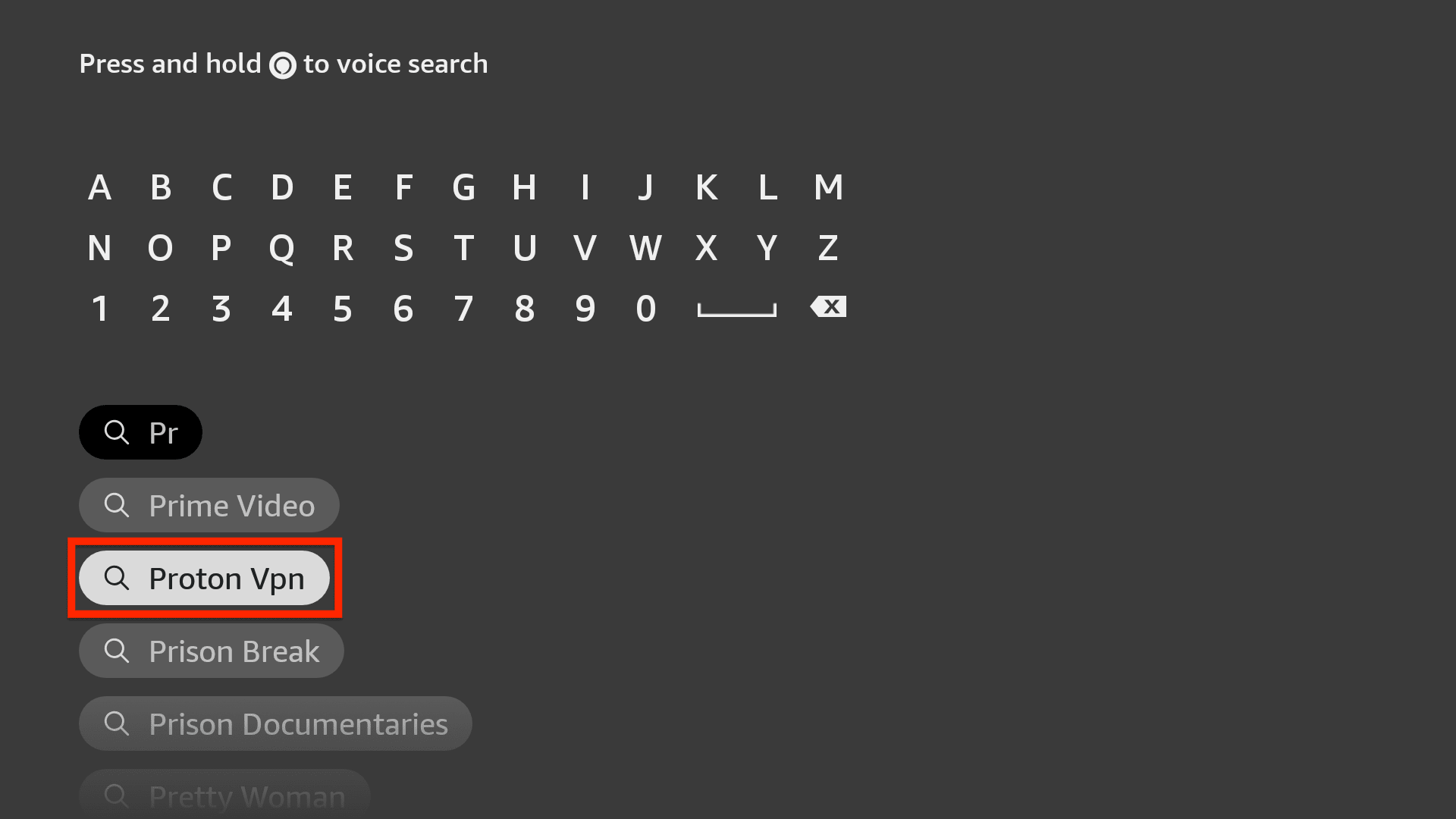
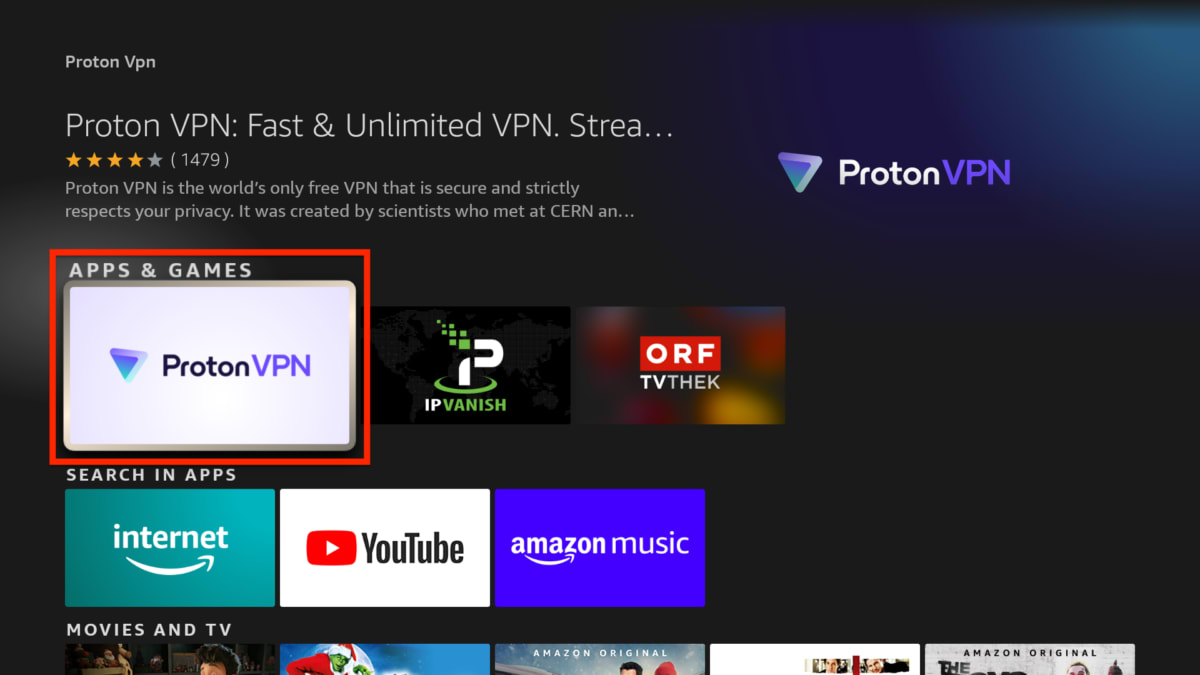
2. Wybierz aplikację Proton VPN z wyników wyszukiwania.
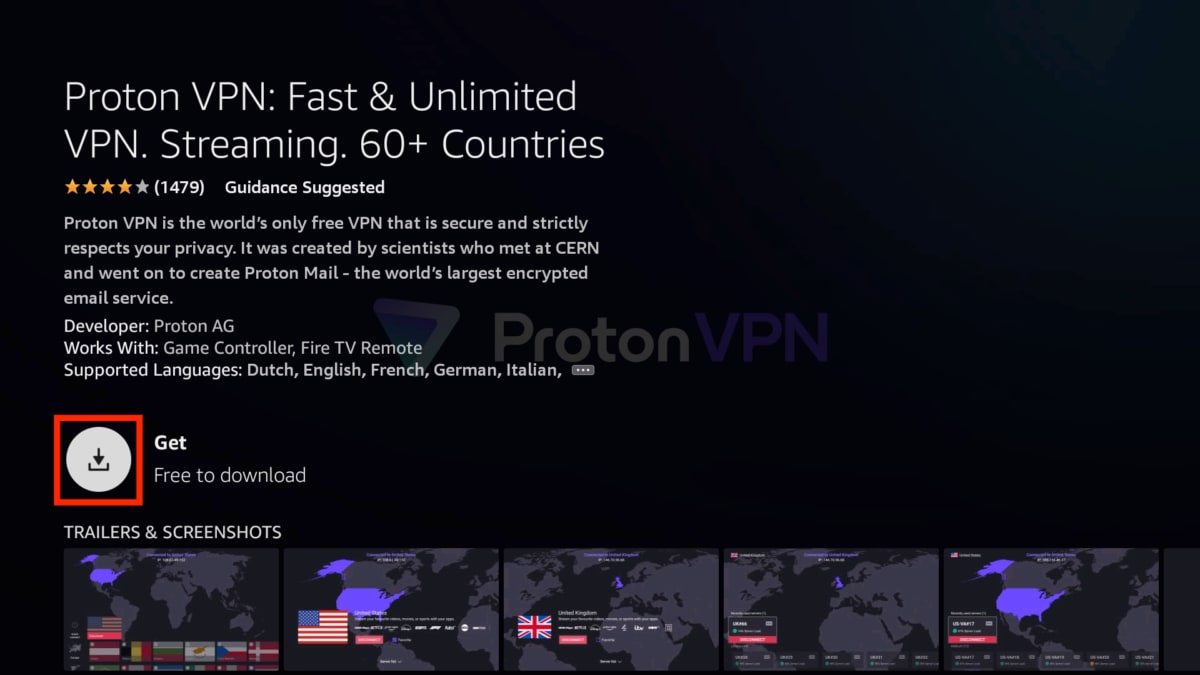
3. Wybierz przycisk Pobierz, aby pobrać i zainstalować aplikację.
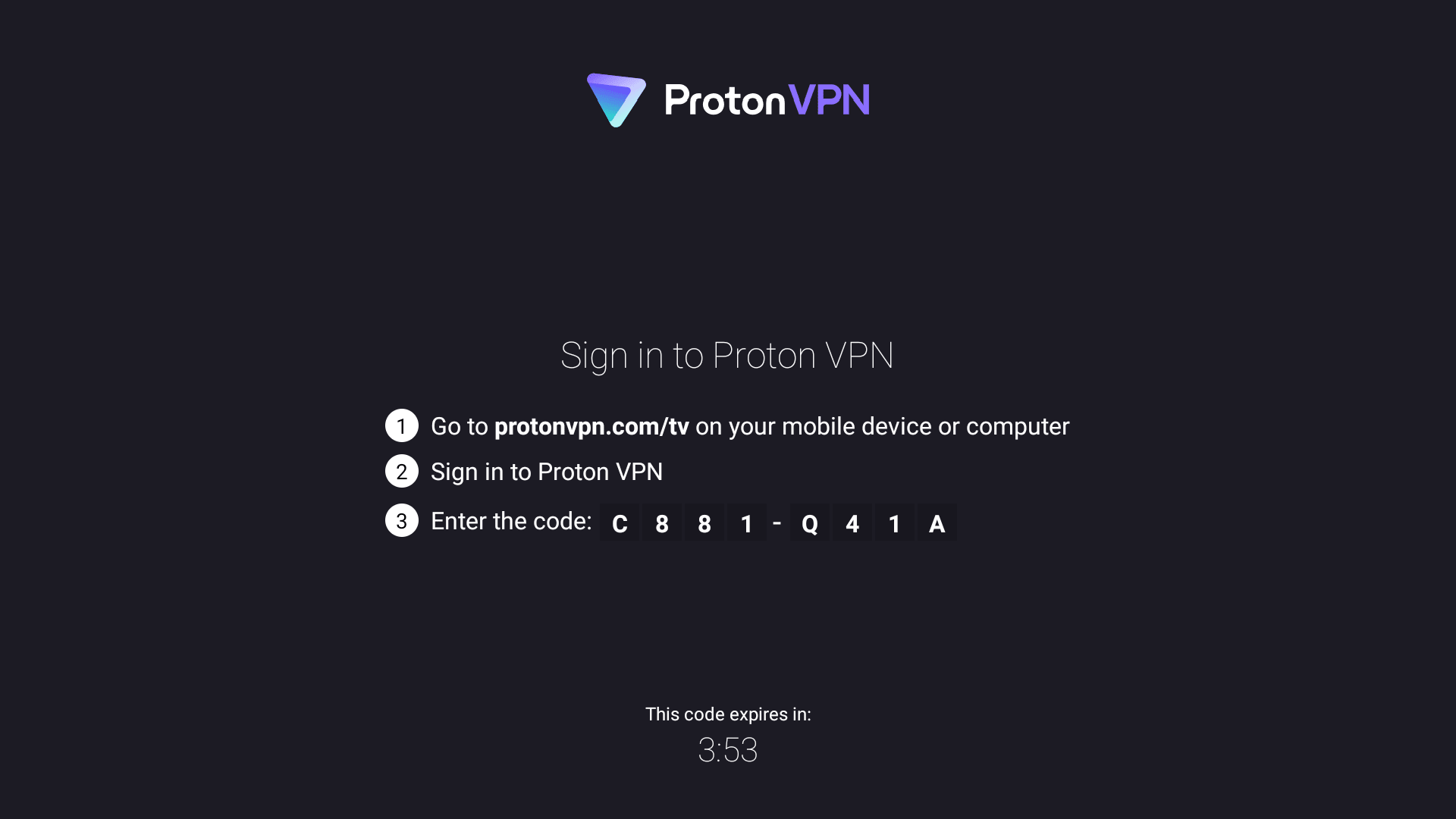
4. Otwórz aplikację i zaloguj się, postępując zgodnie z instrukcjami.
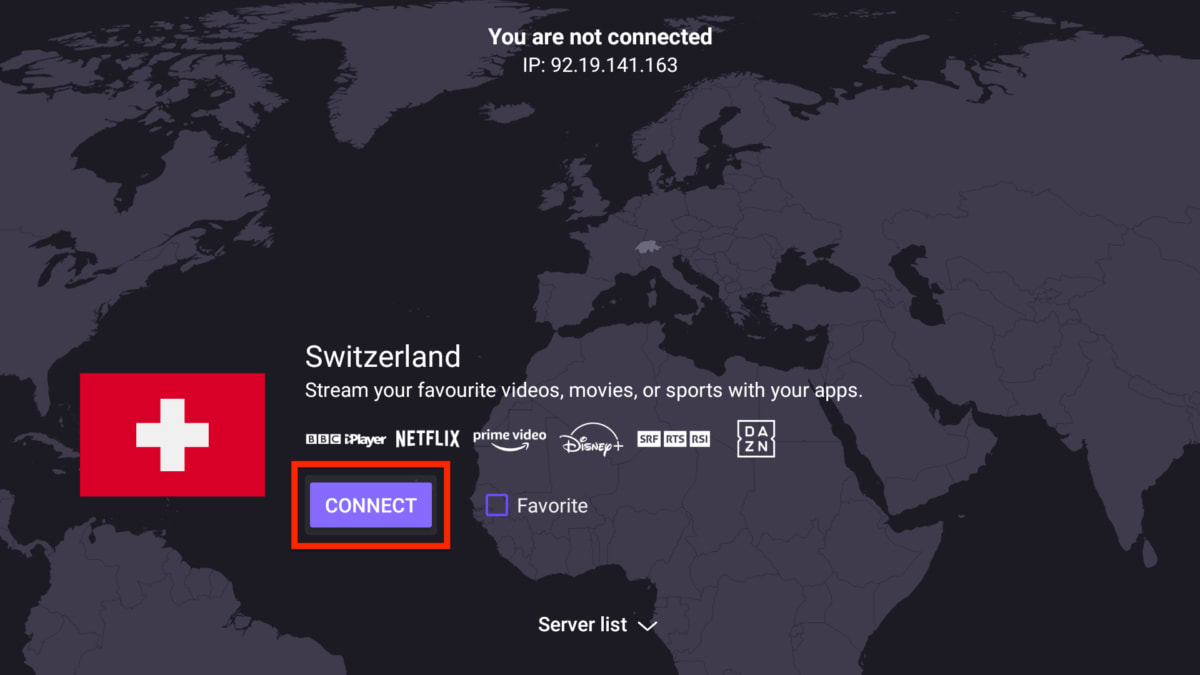
5. Jeśli korzystasz z płatnego planu Proton VPN, wybierz kraj i kliknij Połącz, aby zacząć korzystać z Proton VPN na swoim urządzeniu Amazon Fire TV. Jeśli korzystasz z naszego planu Free, po prostu wybierz Połącz, aby automatycznie połączyć się z najlepszą lokalizacją serwera dostosowaną do Twoich potrzeb.
Dowiedz się, jak korzystać z aplikacji Proton VPN na Android TV
Czy Proton VPN działa na moim urządzeniu z systemem Fire OS?
Aplikacja Proton VPN działa w systemie Fire OS 7+.
Jeśli nie wiesz, jaka wersja Fire OS jest zainstalowana na twoim urządzeniu, możesz wyszukać i zainstalować bezpłatną aplikację Informer(nowe okno), aby się tego dowiedzieć.
Możesz także zapoznać się z listą urządzeń Fire TV i obsługiwanymi przez nie wersjami systemu Fire OS(nowe okno).