


How to add users and groups to a Gateway
Once you’ve created a Gateway for your organization, add users and groups to give them access to your Gateway’s dedicated servers.
1. Sign in to account.protonvpn.com.
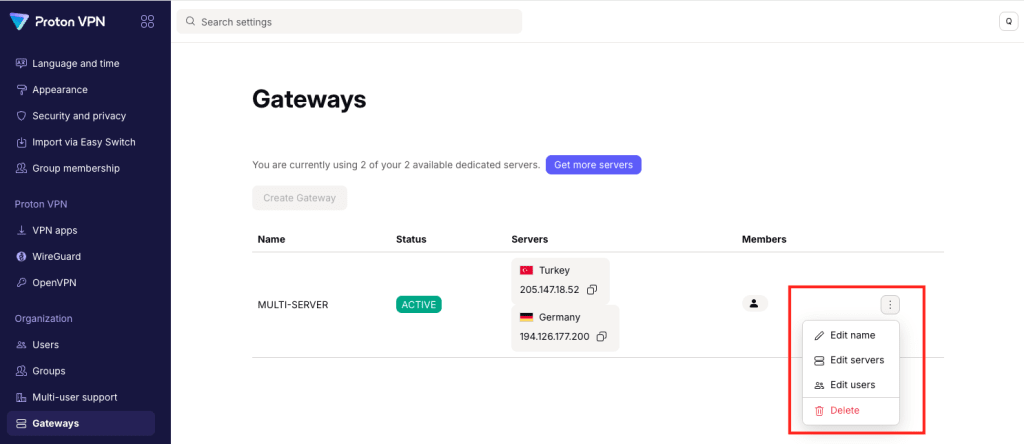
2. Select Gateways from the sidebar, then click the three dots (⋮) next to the Gateway you want to edit.
3. Select Edit users from the menu.
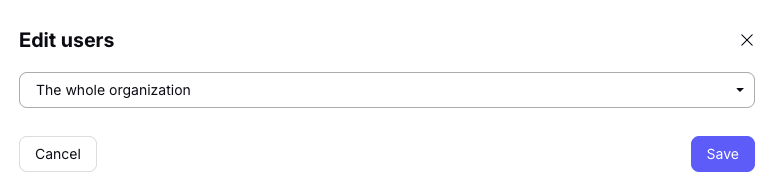
You’ll see a dropdown menu under Edit users.
To give everyone access to your Gateway, select The whole organization from the dropdown menu, then click Save to confirm.
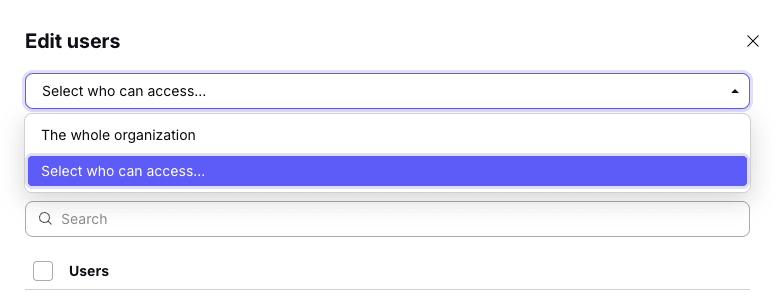
To limit access to specific people, select Select who can access from the dropdown menu.
Now you can add users, groups, or both.
- To add users: Select the Users tab. Select users from the list, or Search for their username or email address.
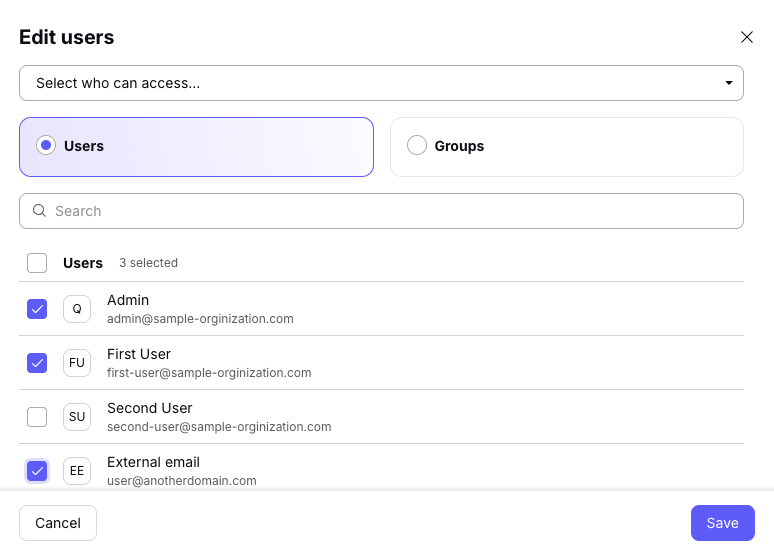
- To add groups: Select the Groups tab. Select groups from the list, or Search for the group’s name.
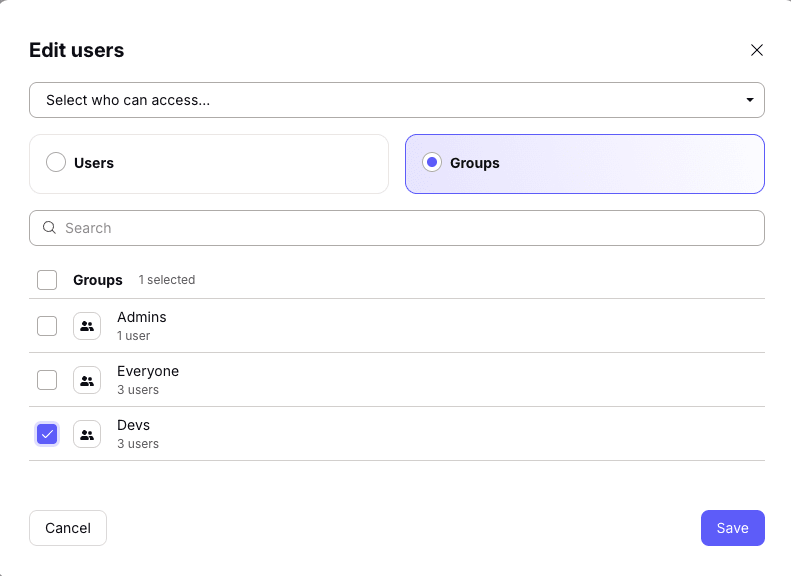
Click Save when you’re done.